

The main differences between Hosting.com (formerly A2 Hosting) and Bluehost stem from how they treat their users. Bluehost uses its mainstream brand appeal and WordPress endorsement to attract beginners – then hits them with short-term freebies and unexpected upsells. Hosting.com, while not flawless, is more transparent in its offerings and gives users better control over performance and configuration. If you’re experienced, Hosting.com will frustrate you less. If you’re a beginner, Bluehost might feel welcoming at first… but that comfort quickly fades when the bills start rolling in.
Neither web host is ideal in our book today, but between the two, Hosting.com offers slightly more value for those who know what they’re doing. Bluehost’s focus on short-term pricing and its upselling strategy make it a worse option.
Hosting.com vs BlueHost: Offers & Features
Hosting.com

Our Take
Hosting.com (formerly A2 Hosting) has repositioned itself under World Host Group, targeting solo developers, LMS users, and small businesses with streamlined hosting solutions. Based on our experience and review of their current offerings, the brand no longer aims to lead on raw performance — but still delivers where it counts: developer tools, global servers, and strong unmanaged VPS value. The new email hosting plan, in particular, stands out as a smart choice for small businesses and teams.
BlueHost

Our Take
BlueHost is usable, polished, and beginner-friendly, but we generally do not recommend it for most HostScore readers. Its dashboard and WordPress setup are easy, but our testing and checkout review found enough speed, renewal, and upsell concerns to make us cautious.
For Budget Hosting: Hosting.com is Better
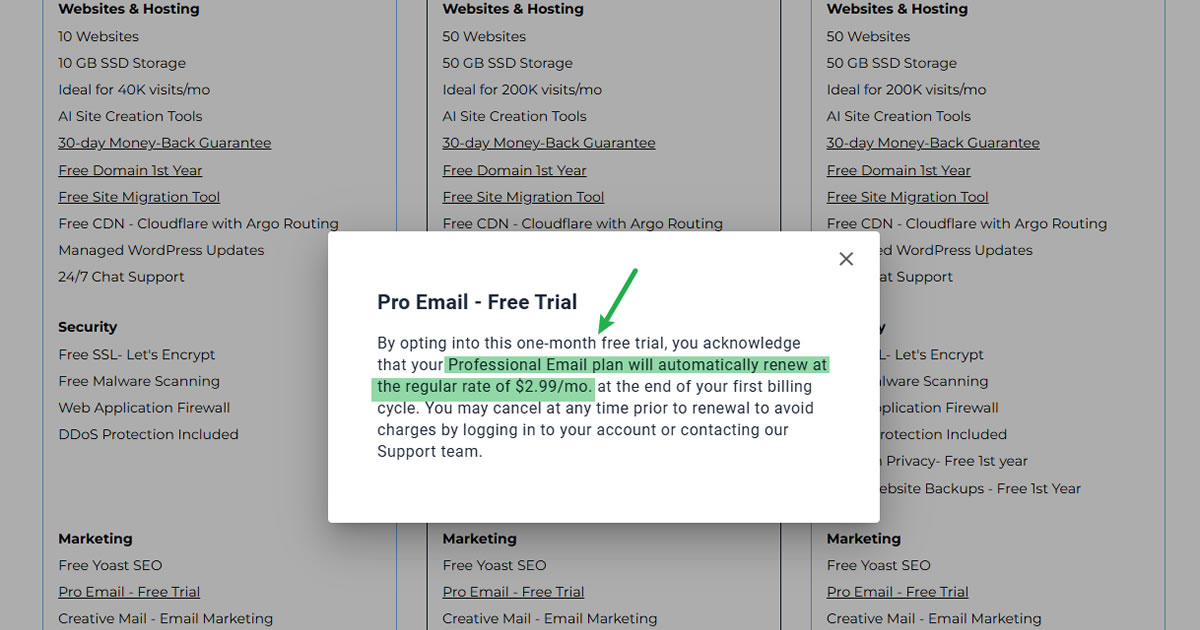
Hosting.com offers a cheaper entry point with more backend control, making it the better pick for budget-conscious users. While both hosting providers aggressively raise prices upon renewal, Bluehost’s marketing tactics, like offering email hosting features for free only during the first month – feel misleading.
Hosting.com’s entry-level plan is basic but more honest about what you get. Bluehost may support more websites upfront, but the hidden costs add up fast.
Compare Hosting Plans & Pricing
| Hosting Type | Hosting.com | BlueHost |
|---|---|---|
| Shared Hosting | $1.99 - 8.99/mo | $3.99 - 14.99/mo |
| VPS Hosting | $4.99 - 31.99/mo | $4.69 - 25.99/mo |
| Dedicated Hosting | $179.99 - 539.99/mo | $144.19 - 315.19/mo |
| Cloud Hosting | $ - /mo | $65.00 - 230.00/mo |
| Managed WP Hosting | $2.99 - 6.99/mo | $3.99 - 14.99/mo |
| Windows Hosting | $ - /mo | $ - /mo |
| Coupon | - | - |
| Coupon Details | - | - |
For Small Businesses: Hosting.com is Safer
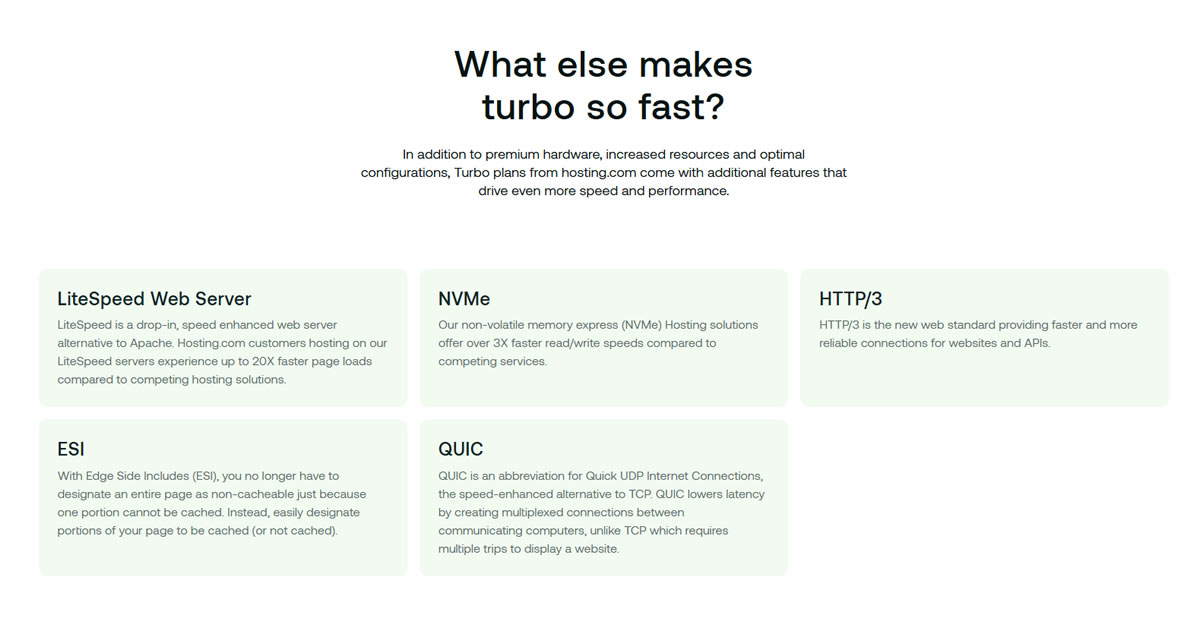
Small business owners need reliability and clear pricing – not hidden add-ons and short-lived trial perks. Hosting.com offers better speed features (especially Turbo plans), flexible customization options, and server location choices in the US, Europe, and Asia; while Bluehost keeps things locked into the US with a more rigid platform.
Hosting.com also provides slightly better support for developers or site managers working on behalf of small businesses, whereas Bluehost feels more like a one-size-fits-all machine geared toward mass-market acquisition.
For WordPress Users: Hosting.com Better

Bluehost might be an official WordPress partner, but it doesn’t mean it’s the best option. It offers limited backend flexibility, performance tuning is difficult, and users get pushed toward upsells quickly. Hosting.com, by contrast, supports multiple PHP versions, offers staging and developer tools, and gives more control over performance (especially on its Turbo plans).
If you’re experienced with WordPress or need more control, Hosting.com is the better choice – though we’d still recommend other providers before either of these two.
Final Verdict
Hosting.com and BlueHost both serve large segments of the hosting market, but if we had to pick between the two, Hosting.com is the stronger option.
While Bluehost struggles with aggressive upsells, vague plan details, and inconsistent support, Hosting.com offers more technical flexibility, stronger global infrastructure, and developer-friendly features. It’s not without drawbacks — renewal pricing is steep and key features are locked behind higher plans — but overall, Hosting.com delivers better value and transparency, especially for users who know what they need.
More About the Companies
Hosting.com

Hosting.com, previously known as A2 Hosting, was originally founded by Bryan Muthig in 2003 in Ann Arbor, Michigan. The company built a reputation for developer-first hosting, becoming one of the earliest providers to adopt SSD storage and optimize WordPress performance through its A2 Optimized platform.
In January 2025, the company was acquired by World Host Group and rebranded as Hosting.com. While the ownership has changed, the service still emphasizes tools for developers, fast server technology, and global infrastructure. Today, Hosting.com is actively repositioning itself to serve small businesses, LMS websites, and tech-savvy freelancers; offering a mix of shared, WordPress, VPS, and email hosting built on its legacy of performance and customization.
Hosting.com Pros
- Developer-friendly: Node.js, Python, Redis, and SSH acces even on shared plans
- Turbo plans include NVMe, LiteSpeed, and HTTP/3 tech
- Excellent email hosting deal for small businesses
- Free cPanel site migrations
- Cheap unmanaged VPS with strong specs
Hosting.com Cons
- Renewal rates jump steeply after promo
- One website limit on all Turbo plans
- Lacks modern cloud or autoscaling options
- Managed VPS plans have become more restrictive post-A2 migration
BlueHost
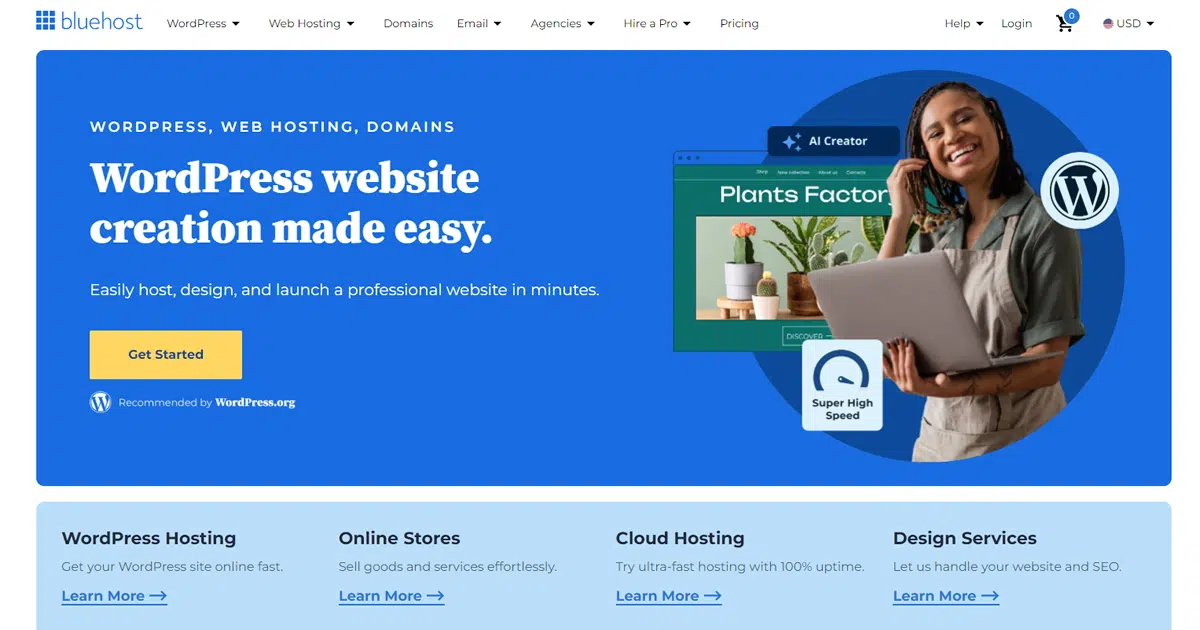
Bluehost is a long-running web hosting and domain services company founded by Matt Heaton and Danny Ashworth in 2003 and now owned by Newfold Digital, LLC. The company sells shared hosting, managed WordPress hosting, VPS, cloud hosting, dedicated hosting, domains, email, security tools, and website services. It is one of the better-known WordPress hosting brands, partly because of its long relationship with WordPress.org, but today it operates as part of a much larger hosting group rather than as an independent boutique provider.
BlueHost Pros
- Easy account dashboard for beginners
- WordPress setup is fast and automatic
- cPanel is still available when needed
- Free SSL was auto-installed in our test account
- NVMe storage, free CDN, and WordPress tools are included in all shared plans
BlueHost Cons
- Speed performance slower than expected
- Renewal prices are much higher
- Email setup is misleading and can push users toward paid Pro Email
- Heavy (and some misleading) upsells during checkout and inside the portal
- Better value exists elsewhere for many use cases

