

The Main Differences between SiteGround vs DigitalOcean
The main differences between SiteGround and DigitalOcean come down to ease of use vs infrastructure control.
SiteGround is a fully managed hosting provider offering shared and cloud hosting through a user-friendly dashboard. It’s ideal for small businesses, WordPress users, and anyone who wants excellent support with minimal technical management.
DigitalOcean, by contrast, is a developer-focused infrastructure platform. It offers powerful, scalable virtual machines (Droplets), extensive API access, and a flexible pricing model — but there’s no hand-holding. It’s not designed for beginners, and users are expected to configure and maintain their environments independently.
In short: SiteGround is plug-and-play; DigitalOcean is build-it-yourself.
Key Features & Service Offerings
SiteGround

Our Take
SiteGround offers strong uptime, fast support, and a refined experience tailored to WordPress users. Its platform is easy to use and packed with performance-enhancing features. Although its pricing has gone up a lot over time, SiteGround continues to deliver on reliability and user experience — making it a reasonable pick for small business sites that need dependable performance and hands-on support.
Digital Ocean

Our Take
Cloud hosting can be a little daunting for many people in the first place, but Digital Ocean has made that doubly so with the liberal use of self-developed technical jargon. For layman unfamiliar with the company, start by exploring “Droplets” – their unique term for “cloud hosting solution”. That said, Digital Ocean is a highly modular and scalable environment with many advanced, developer-friendly features. Everything here is priced independently, so you’re really paying for only what you need.
For Beginners & Simple Business Sites
Our Take: SiteGround Is the Safer Pick

If you’re a beginner or just want to get a website up quickly without touching the command line, SiteGround is the better option by far.
It comes with a clean UI (Site Tools), free daily backups, email hosting, staging tools, and excellent support — all pre-packaged. You don’t need to understand servers to get started.
DigitalOcean, while competitively priced, is simply not beginner-friendly. You’re expected to SSH into your server, install everything yourself, and manage your own backups, security, and updates. And yes — even basic conveniences like automated backups cost extra, and they aren’t encrypted.
Based on our personal experience and user feedback at HostScore, SiteGround wins hands-down for beginners who want support, simplicity, and peace of mind.
For SaaS & Advanced Users Looking for Cloud Hosting
Our Take: DigitalOcean Is Far More Capable

This is where the tables turn. DigitalOcean was built for developers. You can deploy highly configurable Droplets, use load balancers, attach block storage, and monitor everything with built-in alerts. Their ecosystem now includes Kubernetes, App Platform (PaaS), and Managed Databases — all at competitive prices.
SiteGround’s cloud plans are stable and backed by Google Cloud, but they’re limited in control and customization. They’re a good fit for users who want managed performance but don’t need deep infrastructure access.
For WordPress Users
Our Take: SiteGround Is Better for Most, But DigitalOcean Is a Developer’s Playground

SiteGround is one of the best all-around WordPress hosts for small businesses, agencies, and freelancers. You get:
- Google Cloud hosting
- Built-in SG Optimizer plugin
- Auto-updates and backups
- Specialized WordPress support
- A staging environment in higher plans
It’s a mature and stable environment for WordPress users who just want things to work.
DigitalOcean, however, is often used by developers building custom WordPress environments — especially if you want to optimize for performance or bundle WP into a bigger app stack. With tools like SpinupWP, RunCloud, or Ploi, advanced users can get the same features as managed hosting, with more freedom and often lower long-term costs.
Our Final Verdict
SiteGround is ideal for users who want reliable, hands-off hosting with support — especially for beginners, WordPress, or small business websites. DigitalOcean, on the other hand, is designed for developers who need total control and scalability. It’s powerful, fast, and flexible, but requires technical confidence to use effectively. Choose SiteGround if you want simplicity; choose DigitalOcean if you want infrastructure control.
More About the Companies
SiteGround
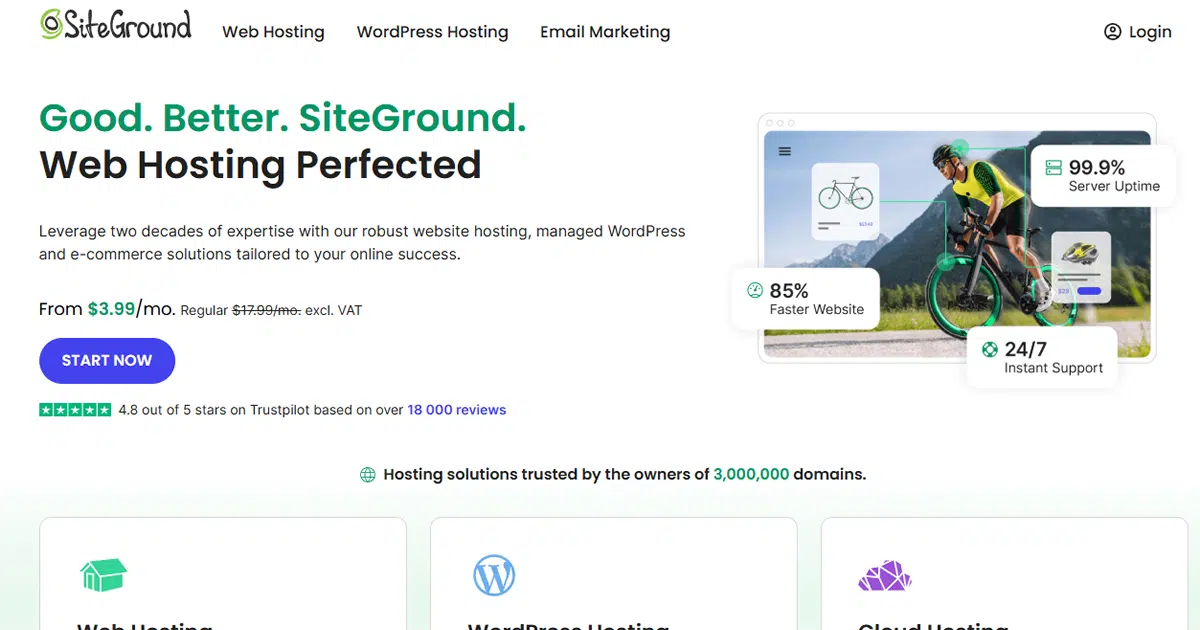
Established in 2004 by a group of university friends led by Ivo Tzenov, SiteGround has flourished into a prominent web hosting entity based in Sofia, Bulgaria. Boasting a workforce exceeding 600 employees, SiteGround proudly hosts almost three millions domains worldwide. With a powerful infrastructure spanning 11 data centers across 8 countries, the company offers an array of hosting solutions including shared, cloud, and enterprise hosting, alongside domain registration services.
SiteGround Pros
- Outstanding hosting uptime and speed performance
- Excellent customer support
- Powered by Google Cloud Platform
- 1-click CDN included in all shared plans
- Specialized WordPress support staff
- Automatic geo-distributed daily backups
- White-label user dashboard and private DNS in GoGeek plans
SiteGround Cons
- Expensive renewal pricing
- Limited storage in shared hosting plans
- Still using traditional SSD instead of NVMe storage
- Staging tool not included in entry-level shared plan
- No Windows Server hosting option
Digital Ocean
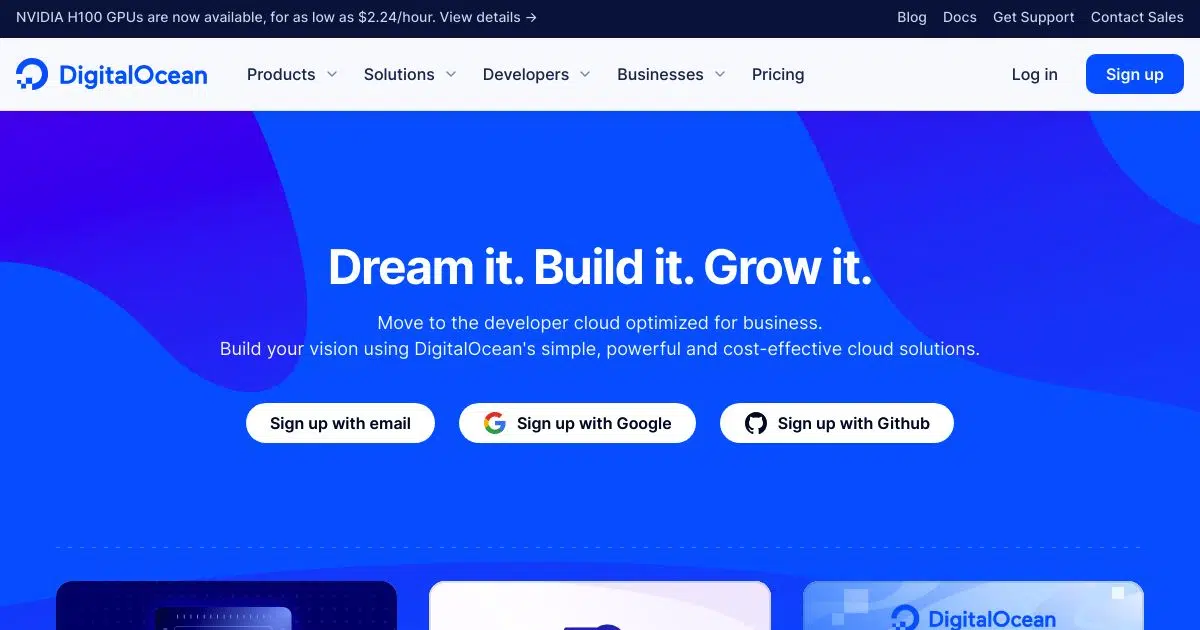
Established in 2011, DigitalOcean was founded by Ben Uretsky, Moisey Uretsky, Mitch Wainer, Jeff Carr, and Alec Hartman. Originating from their prior venture, ServerStack, DigitalOcean was crafted to simplify cloud computing for software developers. With a mission to empower developers in building, deploying, and scaling cloud applications effortlessly, DigitalOcean has grown substantially, offering accessible, high-performance, and cost-effective cloud solutions tailored to the needs of software developers and small-scale startups.
Digital Ocean Pros
- Outstanding server uptime and speed performance
- Competitive and flexible pricing model
- Choice of 15 distributed data centers
- Highly configurable virtual machines
- Built-in alert system for resource thresholds or critical issues
Digital Ocean Cons
- Charges apply for automated backups
- Unencrypted backups
- Only suitable for advanced users
- Less user-friendly for team operations

