

The main differences between Kinsta and Hostinger come down to target users, pricing structure, and the overall hosting approach. Kinsta is engineered for experienced developers, agencies, and high-traffic WordPress sites that demand top-tier performance, running exclusively on Google Cloud’s premium tier with containerized infrastructure and advanced DevOps tools. It’s a hands-off, high-performance solution with a price tag to match.
Hostinger, on the other hand, is designed to serve a wider audience. From beginners launching their first blog to small businesses scaling their online presence – Hostinger wants your business. Its platform is built for simplicity, speed, and affordability, offering modern features like hPanel, AI tools, and global data centers – all at a fraction of Kinsta’s cost.
Kinsta has recently expanded into app and database hosting, but its core offering remains best suited for users with complex needs and larger budgets. Hostinger may not match Kinsta’s raw horsepower, but it wins on accessibility, flexibility, and overall value – especially for beginners who don’t need enterprise-grade performance to succeed.
Compare Essential Features & Pricing
Hostinger

Our Take
Hostinger offers ultra-affordable hosting plans with a clean control panel (hPanel) and consistent uptime. Founded in Lithuania, the company now supports millions of users worldwide and remains especially popular with beginners launching their first websites. The platform includes one-click installers and tools tailored for WordPress and small business sites. While the introductory pricing remains among the lowest in the market, renewal rates have increased in recent cycles and some shared plan features have been adjusted. Overall, Hostinger still provides one of the most accessible and cost-effective ways to get online, but long-term costs now require closer attention.
Kinsta

Our Take
Kinsta is a premium managed WordPress hosting provider built on Google Cloud Platform. Known for its exceptional speed, strong security, and sleek user interface, Kinsta caters to users who want a hands-off experience with enterprise-grade infrastructure. It’s particularly attractive to businesses, developers, and agencies that prioritize performance and scalability over budget. While pricing is on the higher end, the platform delivers on its promise of stress-free, high-performance WordPress hosting, making it one of the top-tier choices for serious websites.
For Budget Hosting: Hostinger is Better

This one’s easy – Hostinger wins on price by a mile.
If you’re a beginner, personal blogger, or running a few low-traffic sites, Kinsta’s entry plan at $30/month is serious overkill. Not only is it expensive, but you also won’t get features like email hosting or support for multiple smaller projects unless you upgrade to even higher tiers.
Hostinger, by contrast, offers shared hosting starting at just $2.99/month – and that includes free 3 months hosting, a free domain, email accounts, weekly or daily backups, and AI tools baked in. Their Business Shared plan (at $3.99/month) is especially strong and highly recommended, giving you NVMe storage and malware scanning—things you’d be paying premium rates for at other hosts.
Bottom line: Kinsta isn’t designed for budget hosting, but Hostinger thrives in that space.
Hostinger Exclusive Deal
Use promo code ‘HOSTSCORE’ to enjoy additional discount. Get up to 77% discount on Hostinger shared plans today > Click here to grab deal
For Web Developers: Kinsta is Better

If you’re a developer looking to build, test, and deploy fast – Kinsta offers one of the best environments out there.
From SSH access, Git integration, and staging environments to performance monitoring and built-in CDN via Cloudflare, Kinsta delivers a clean, powerful stack. Their new app and database hosting services also make them a viable platform for full-stack devs – not just WordPress specialists.
Hostinger’s VPS hosting and developer tools are solid, and their AI assistant (Kodee) is a unique touch. But Kinsta’s tooling, deployment pipelines, and premium infrastructure are just more advanced—especially for professionals who demand precision, scalability, and automation.
For Advanced WordPress Users: Kinsta is Better
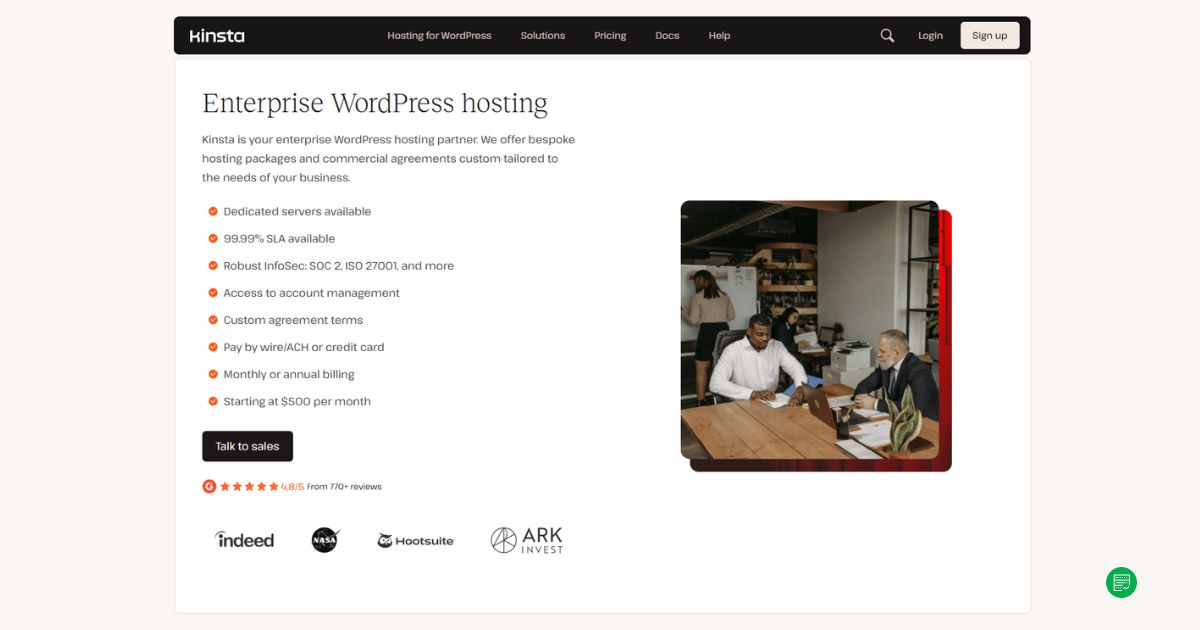
For high-traffic WordPress sites, online stores, or mission-critical business platforms, Kinsta is hard to beat. Their infrastructure is tuned specifically for WordPress, with Nginx, PHP 8+, server-side caching, and auto-scaling capabilities that keep your site stable even under traffic spikes.
You also get access to Kinsta’s expert WordPress support team—people who live and breathe WP performance and security. Their dashboard (MyKinsta) is sleek, powerful, and tailored for site management at scale.
Hostinger’s managed WordPress plans are very competitive for their price range, and ideal for the average user. But if you’re running WooCommerce, LMS, or BuddyBoss communities at scale – Kinsta’s tech stack and support justify the cost.
Verdict
Hostinger and Kinsta are built for very different audiences.
Hostinger excels as a low-cost, high-value platform for beginners, small businesses, and casual WordPress users. Kinsta is a premium solution tailored for developers and serious WordPress users who want top-tier speed, security, and reliability.
If you’re new to web hosting or price-sensitive, Hostinger is a no-brainer. If you’re managing high-traffic sites or deploying web apps that need to scale fast and securely, Kinsta delivers the muscle you need.
More About the Companies
Hostinger
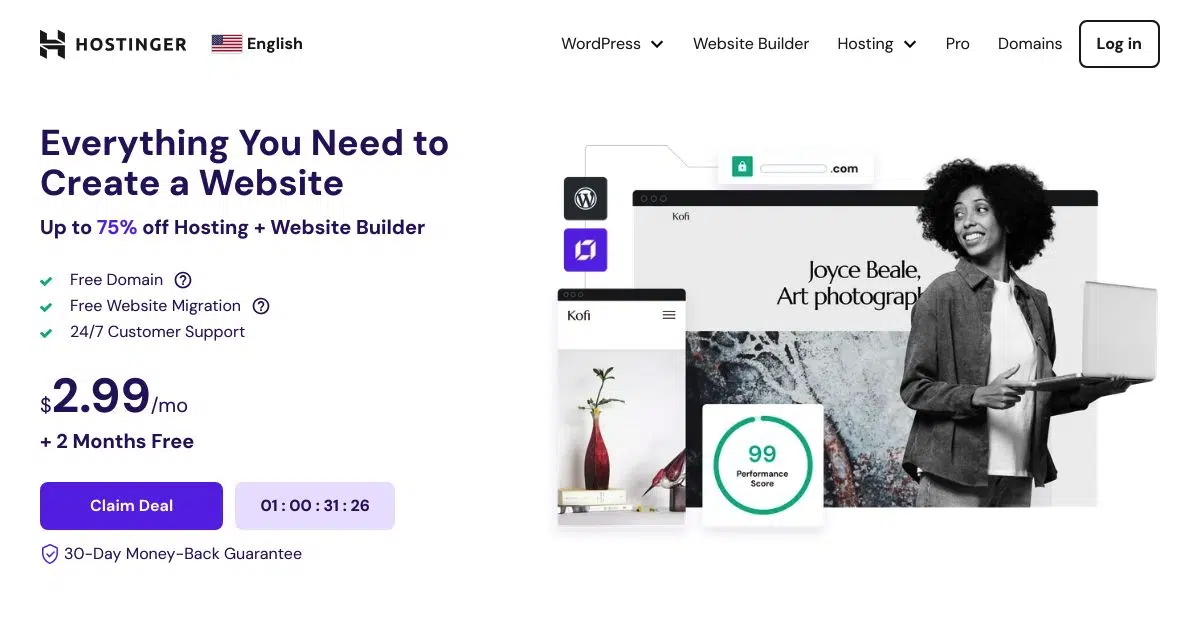
Hostinger began in 2004 as Hosting Media in Kaunas, Lithuania. The company’s early breakthrough came in 2007 with the launch of 000webhost.com, a free hosting platform that attracted millions of users before being retired. In 2008, it expanded with Hosting24.com, followed by the official launch of the Hostinger brand in 2011.
That same year, Hostinger introduced hPanel, its custom-built control panel designed as a simpler alternative to cPanel. By 2016, the company moved into cloud hosting, offering scalable solutions beyond traditional shared hosting. Growth accelerated quickly — by 2021, Hostinger employed more than 1,000 people worldwide. Today, it operates as a global hosting provider with 10+ international data center locations and a reputation for budget-friendly pricing and continuous product innovation.
Exclusive Hostinger Coupons – Save 10% or 15%!
Use promo code ‘HOSTSCORE’ for 10% off any plan — Or go big with promo code ‘HOSTSCORE15’ on a 4-year plan and unlock 15% off. Longer subscription = bigger savings. Claim Your Hostinger Deal Here!
Hostinger Pros
- Affordable entry plan at $2.99/month for 3 websites, plus 15% off with HOSTSCORE15.
- Global network of data centers in Europe, Asia, North America, and South America
- Excellent AI ecosystem with AI Builder (new!), Hostinger Agent with memory, OpenClaw, Hermes, n8n, and Paperclip
- User-friendly hPanel with API and MCP access for AI-assisted hosting management
- Developer API and MCP integration – Hostinger Connector lets Claude, Cursor, Codex, and other MCP-compatible tools manage websites
- Multiple payment methods accepted, including crypto and digital wallets
Hostinger Cons
- The lowest price requires 48 months upfront and renews at $10.99/month
- Advanced Agent features and managed AI applications may require separate paid plans
- Hostinger AI Builder sites have limited portability compared with WordPress websites
- Hostinger does not support Windows hosting.
Kinsta
Kinsta was founded in 2013 by four friends — Mark Gavalda, Anita Dunai, Peter Sziraki, and Tom Zsomborgi — who shared a clear mission: to build the best managed WordPress hosting platform on the market. Carving out a niche in the competitive world of web hosting is no easy task, but Kinsta has done just that by staying laser-focused on performance, reliability, and user experience. The company made its mark with high-performance WordPress hosting built on Google Cloud Platform, quickly earning a reputation for technical excellence and world-class support. Over time, Kinsta has evolved beyond WordPress to offer application hosting, database hosting, and even free static site hosting — expanding its appeal to developers and businesses looking for scalable, container-based solutions. Under the leadership of CEO Mark Gavalda, Kinsta has grown into a globally recognized hosting provider, trusted by agencies, enterprises, and startups alike.
Kinsta Pros
- Outstanding uptime and speed backed by Google Cloud’s premium tier network.
- 300+ CDN locations worldwide through Cloudflare Enterprise integration.
- Advanced firewall, DDoS protection, and built-in malware scanning.
- Specialized WordPress support in English, Portuguese, Spanish, Italian, French, German, Japanese, Danish, Dutch, and Swedish.
- Free site migration assistance handled by Kinsta’s support team.
- MyKinsta dashboard with detailed analytics, staging environments, and one-click tools.
- Free premium Cloudflare features, including HTTP/3, wildcard SSLs, and edge caching at no extra cost.
Kinsta Cons
- Pricing is expensive and less suitable for those managing multiple small sites.
- No built-in email hosting, requiring a separate provider.
- Certain WordPress plugins are restricted due to performance or security issues.

