The best Minecraft server hosting providers are Godlike Host, Hostinger, and Apex Hosting.
When choosing a Minecraft host, key factors to consider include support for Java and Bedrock editions, mod and plugin compatibility, server performance (CPU, RAM, and storage), global latency, ease of setup, scalability, and access to customer support.
Hostinger stands out for game diversity and flexibility. With 100+ supported games, AI assisted server mangement (Kodee), and a custom control panel (Hostinger Game Panel) that handles everything from mod installs to game switching, it’s a great option for users who want more than just Minecraft.
Comparing Top Minecraft Hosting Providers
| Provider | Modpack Support | Server Locations | Control Panel | Other Games Support |
|---|---|---|---|---|
| Hostinger | Yes – basic mod support | EU, US, Asia | Custom Game Panel | 100+ |
| Apex Hosting | Yes – extensive | EU, US, Asia, Middle East | Minecraft-specific | 20+ |
| Godlike Host | Yes – with built-in installer | EU, US | Custom + Discord-based | 30+ |
| Kamatera | Manual setup only | EU, US, Asia, Middle East | None (manual setup) | – |
| Shockbyte | Yes – wide coverage | US, EU, Asia | New modern panel | 60 |
1. Hostinger

Website: https://www.hostinger.com/minecraft-hosting/
Hostinger is a globally recognized web hosting provider known for its budget-friendly plans and modern infrastructure. Based in Lithuania with data centers around the world, the hosting company serves millions of users and has expanded its product range to include game server hosting – including Minecraft.
What makes Hostinger the best overall Minecraft server host?
For Minecraft players, Hostinger hits a sweet spot between price, performance, and ease of use. Its Minecraft plans are typically cheaper than the market average, yet come with better-than-average specs. You get dedicated IPv4 and IPv6 addresses for improved DDoS protection, and Hostinger’s custom-built Game Panel makes managing Minecraft servers intuitive. It supports modded and vanilla setups, and also lets you host other AAA games like CS:GO, Terraria, or ARK using the same infrastructure – ideal for gamers with diverse interests.
| Pros | Cons |
|---|---|
| Lower-than-average pricing with solid server specs | Fewer Minecraft-specific tweaks compared to niche hosts |
| Dedicated IP addresses (IPv4 & IPv6) | Limited modpack automation out of the box |
| Built-in Game Panel for easy management | |
| Supports multiple games beyond Minecraft |
2. Apex Minecraft Hosting

Website: https://apexminecrafthosting.com/
Apex began solely as a Minecraft hosting service but has since expanded into other popular games such as CS:GO, Ark, Rust, and Terraria. Since its founding, it has become one of the most trusted names in the space, with infrastructure and support tailored specifically to Minecraft players—from beginners to expert server admins.
Why Apex Hosting is great for Minecraft game hosting?
What makes Apex Hosting shine is its specialization. Whether you’re hosting a Java or Bedrock Edition server, Apex allows you to drill down into specific server types like Spigot, Paper, Forge, or custom modpacks.
The platform offers one-click installations for countless modpacks, and setup takes just minutes. Server locations span 18 regions, including North America, South America, Europe, Asia, and the Middle East, ensuring low latency across continents. This host is built for Minecraft at every level: from small friend groups to large modded communities.
| Pros | Cons |
|---|---|
| Minecraft-first infrastructure and support | Higher pricing than general-purpose hosts |
| 18+ global data centers for low-latency gameplay | Limited support for non-Minecraft games |
| One-click mod and plugin installs | |
| Excellent for both Minecraft Java and Bedrock Editions |
3. Godlike Host

Website: https://www.godlike.host/minecraft/
Godlike Host is a Romania-based game server provider that has rapidly gained traction since its launch in 2021. With a focus on performance and user experience, it has become a go-to choice for many Minecraft enthusiasts.
What makes Godlike Host great for Minecraft Server Hsoting?
What sets Godlike Host apart is its generous free trial and scalable hosting options. New users can start with a 5-slot free trial, allowing them to test the service before committing. The platform offers a variety of plans, ranging from 2 GB RAM for small groups to 33 GB RAM for large communities.
Godlike’s custom control panel simplifies server management, offering features like one-click modpack installations, SFTP access, and automated backups. Additionally, the ability to manage servers via Discord adds a layer of convenience for users.
| Pros | Cons |
|---|---|
| Generous free 5-slot trial | Occasional support response delays |
| Scalable plans up to 33 GB RAM | Limited global server locations compared to some competitors |
| Ryzen-powered servers with NVMe storage | |
| User-friendly control panel with Discord integration |
4. Kamatera

Website: https://kamatera.com/
Kamatera is a cloud infrastructure provider with more than 20 years of experience in virtual servers and global deployments. With 18 data centers worldwide and an enterprise-grade platform, Kamatera caters to developers and IT professionals who need maximum flexibility.
Kamatera is ideal for advanced Minecraft users who want full control over server performance and configuration. You can custom-build your server with the exact CPU, RAM, and storage you need, and scale it up or down anytime. Plans start as low as $4/month, and new users can test a $100 server free for 30 days. Kamatera doesn’t offer a Minecraft-specific control panel, so you’ll need to set everything up manually—but in exchange, you get raw performance and granular control. It’s perfect for large multiplayer environments or modded setups that need extra horsepower and custom OS support.
| Pros | Cons |
|---|---|
| Full control over server specs and OS | Not beginner-friendly – manual setup required |
| Hourly or monthly billing | No pre-configured Minecraft environment |
| Free 30-day trial up to $100 | |
| Global data center options |
5. Shockbyte

Website: https://shockbyte.com/
Shockbyte is an established game server hosting company based in Australia, operating since 2013. Originally focused on Minecraft, the company has expanded significantly – now supporting over 60 titles including ARK, Rust, Valheim, and more. With a customer base spanning 500,000+ users and servers in North America, Europe, and Asia-Pacific, Shockbyte is widely respected among casual and competitive gamers.
Shockbyte continues to stand out in Minecraft hosting due to its balance of price, performance, and usability. The company recently launched a brand-new control panel that dramatically improves the user experience. Features include real-time server stats, drag-and-drop file management, syntax-highlighted config editing, and one-click modpack and plugin installs. It also lets users switch between different games or Minecraft server types (Spigot, Fabric, Forge, Bedrock, etc.) without downtime. This makes Shockbyte especially appealing for players who want to experiment with different server setups or explore games beyond Minecraft using the same account.
Despite its low starting price of $2.00/month, Shockbyte includes NVMe SSD storage, instant setup, DDoS protection, and 24/7 support. Whether you’re building a private modded world or launching a mini community server, Shockbyte offers excellent value for new and experienced users alike.
| Pros | Cons |
|---|---|
| New control panel with real-time monitoring and file manager | Support response times may vary during peak hours |
| Supports every major Minecraft server type and 60+ other games | Interface still has a slight learning curve for complete beginners |
| Very affordable plans starting from $2.00/month | |
| Fast global deployment with strong DDoS protection |
Comparing Top Minecraft Server Host
| Provider | Modpack Support | Server Locations | Control Panel | Other Games Support |
|---|---|---|---|---|
| Hostinger | Yes – basic mod support | EU, US, Asia | Custom Game Panel | 100+ |
| Apex Hosting | Yes – extensive | EU, US, Asia, Middle East | Minecraft-specific | 20+ |
| Godlike Host | Yes – with built-in installer | EU, US | Custom + Discord-based | 30+ |
| Kamatera | Manual setup only | EU, US, Asia, Middle East | None (manual setup) | – |
| Shockbyte | Yes – wide coverage | US, EU, Asia | New modern panel | 60 |
Which Minecraft Host is Best for Playing with Friends?
Hostinger is the best Minecraft host for playing with friends. It combines beginner-friendly setup with powerful features, making it easy to launch and manage a private server, even if you’ve never hosted before.
Using Hostinger’s custom Game Panel, you can deploy a Minecraft world in minutes, manage players, install modpacks, and switch between Java and Bedrock editions without needing any technical knowledge. It also supports cross-platform play, so your group can join from PC, console, or mobile.
With plans starting under $10/month and data centers in multiple global regions, Hostinger ensures smooth, low-latency gameplay for players around the world. Built-in DDoS protection, automatic backups, and full mod/plugin support make it ideal for casual groups and growing multiplayer communities alike.
Which Minecraft Host Supports the Most Games?
Hostinger offers the widest game support among all Minecraft hosts. While the platform excels at Minecraft server hosting, what really sets it apart is its library of over 100 supported games, including titles like ARK: Survival Evolved, CS:GO, and Valheim – all deployable from the same dashboard.
The platform uses a custom-built control panel that simplifies game switching, mod installations, and performance monitoring. Whether you’re running a vanilla Minecraft world today or planning to try a Rust server next week, Hostinger makes it easy to switch without needing technical setup.
Its cloud-based infrastructure ensures quick deployment across multiple global data centers, with automatic backups and DDoS protection included. For users who want flexibility beyond Minecraft — Hostinger is a clear winner.
What’s the Best Hosting for Minecraft Mods and Plugins?
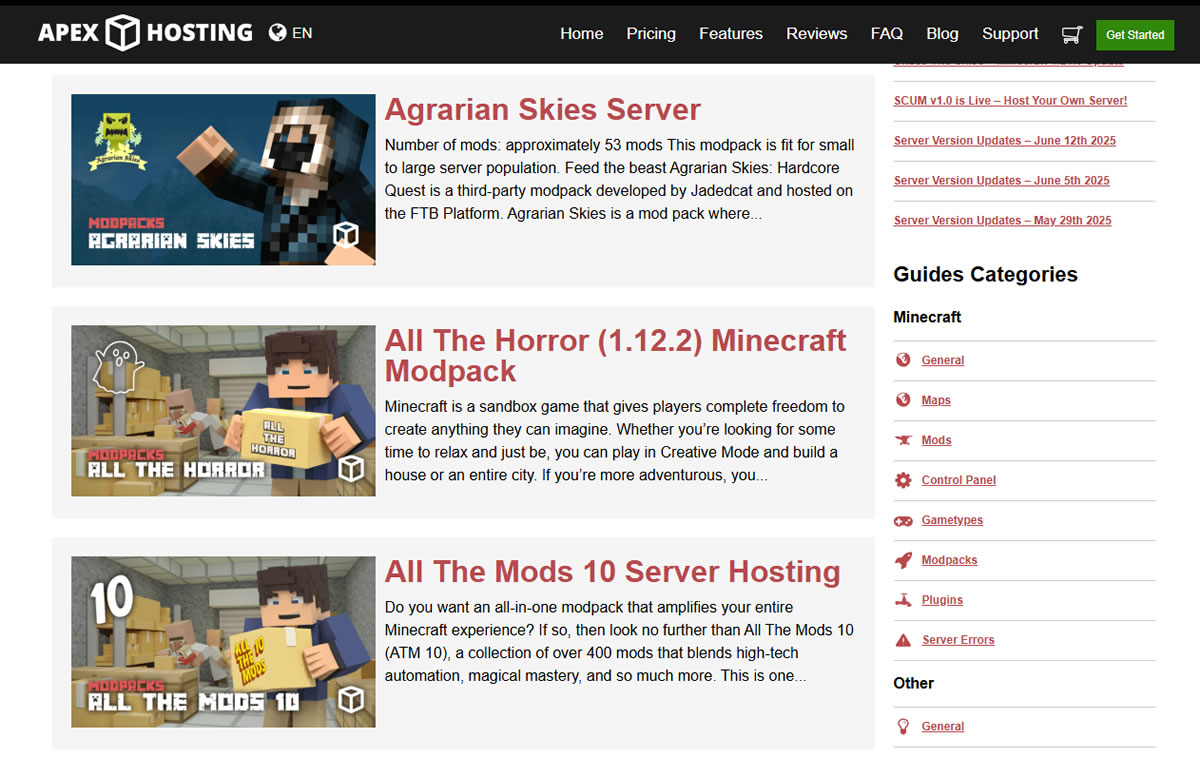
Apex Hosting leads the pack when it comes to mods and plugin support. It offers one-click installation for popular modpacks (like Pixelmon, RLCraft, and SkyFactory) and full compatibility with server types like Forge, Paper, and Spigot. Whether you’re building an adventure world or a heavily modded tech setup, Apex simplifies the process—making it ideal for modders and plugin-heavy worlds.
Which Minecraft Host is Best for Low Latency and Global Performance?
Kamatera and Shockbyte both offer excellent global performance, but Kamatera wins for users who need exact control over latency. With 18+ server locations and the ability to custom-assign CPU, RAM, and bandwidth, you can build a Minecraft server precisely where your players are based. It’s ideal for region-specific gaming or competitive PvP where every millisecond matters.
Which Host is Cheapest for Starting a Small Minecraft Server?
Shockbyte offers the cheapest starting point for small Minecraft servers, with plans from just $2.00/month. Despite its low cost, it provides solid performance, mod support, and access to a modern control panel. It’s ideal for casual players, students, or anyone wanting to try hosting without spending much up front.
What is Minecraft Server Hosting?

Minecraft server hosting refers to running a dedicated or virtual private server that allows multiple players to connect and play in the same Minecraft world. Unlike using Minecraft Realms or LAN connections, hosting a server gives you full control over world settings, plugins, mods, player slots, and performance.
A Minecraft server can be hosted on your own machine or rented from a provider that supplies the hardware, bandwidth, and support. These hosts often provide tools to manage your server remotely, making it easier to maintain and scale.
Why do you need a server to play Minecraft online?
Minecraft is designed for shared play—whether you’re building with friends or managing a larger multiplayer world. Hosting your own server gives you full control over gameplay settings, modpacks, player capacity, and performance. It’s the best way to ensure a smooth, stable experience for everyone involved.
What type of server should you use?
Most Minecraft hosting falls into two categories: VPS (Virtual Private Server) and Dedicated Hosting.
- VPS hosting is ideal for most players. It offers isolated resources, decent performance, and flexibility at a reasonable price. You can scale up or down as your needs change, and it’s generally easier to manage than dedicated setups.
- Dedicated hosting is for larger servers or advanced users. It provides maximum performance and full hardware control but costs more and often requires technical know-how.
While some gamers host their servers at home, most opt for a professional host for ease of use, better uptime, and built-in protections. Our top picks in this guide help take care of the setup so you can focus on the game.
How does Minecraft Server Work for Multiplayer Gaming?
In multiplayer gaming, Minecraft hosting works by running a server instance that all players connect to using the same IP address and port. The host handles world generation, player actions, mod/plugin execution, and synchronization across all clients.
When you rent from a host like Hostinger or Godlike Host, your server is pre-configured and accessible via a control panel. You can customize game rules, install plugins, upload custom maps, or add modpacks. Players join using your server IP, and the experience is consistent no matter where they are in the world—as long as the server has good bandwidth and latency.
What are the Pros & Cons of Paid Minecraft Hosting?
The main benefit of paid Minecraft hosting is convenience and reliability. Hosts provide always-on infrastructure, strong DDoS protection, faster hardware (NVMe SSDs, Ryzen/EPYC CPUs), and dedicated control panels. This means you don’t need to leave your own computer running 24/7 or deal with complex port forwarding. Many providers also offer automated backups and mod/plugin support—making management easy, even for non-technical users.
However, the downside is the monthly cost and occasional limits on RAM or CPU in lower-tier plans. Some hosts also restrict advanced configuration unless you upgrade or choose unmanaged options. And while customer support is often available, response times can vary. Still, for most players – especially those hosting for friends, communities, or modded experiences – the pros far outweigh the cons.
Things to Consider Before Buying
Now that we’ve gone through our top picks, let’s talk about some of the key factors you should consider when choosing your Minecraft hosting service.
Choosing a Minecraft host isn’t just about picking the cheapest plan. Your choice should match how you plan to play, who you’re playing with, and the type of world you want to build. Here are key factors to think through before committing to a provider:
- Java or Bedrock? Make sure the host supports the edition you’re using. Java Edition is more customizable and widely used for mods, while Bedrock Edition offers better cross-platform support across mobile, console, and PC. Some hosts support both; others only one.
- Player Capacity Estimate how many players will regularly join. A small survival world with 3 – 5 friends needs far fewer resources than a 50-player creative server. RAM and CPU allocations directly affect performance.
- Mod and Plugin Support If you plan to use Forge, Fabric, or plugin systems like Spigot or Paper, make sure your host allows easy installation and updates. One-click modpack support can save you hours of manual setup.
- Server Location Pick a server location closest to your player base. Low ping means smoother gameplay. If you’re hosting friends from different continents, prioritize hosts with global coverage.
- Ease of Management A good control panel makes life easier, especially for non-technical users. Look for features like file managers, console access, backup tools, and one-click installs.
- Scalability If your server starts small but might grow, choose a host that lets you upgrade without migrating. Flexible RAM/CPU scaling or hourly billing can be useful for unpredictable growth.
- Support and Documentation Check what kind of help you’ll get. Some providers offer 24/7 chat, others only email or ticket support. A strong knowledge base or Discord support channel is also helpful when issues pop up.