Website downtime can be frustrating and costly. When your site won’t load, the first step is to determine if the issue is with the website itself or your connection. Instead of guessing, you can use website down checker tools to get instant answers. These tools help verify a website’s availability from different locations, track uptime, and even alert you to potential issues.
Below, we’ve compiled the best 16 tools to check website status and ensure your site stays online.
1. Dotcom Monitor
Website: https://www.dotcom-monitor.com/
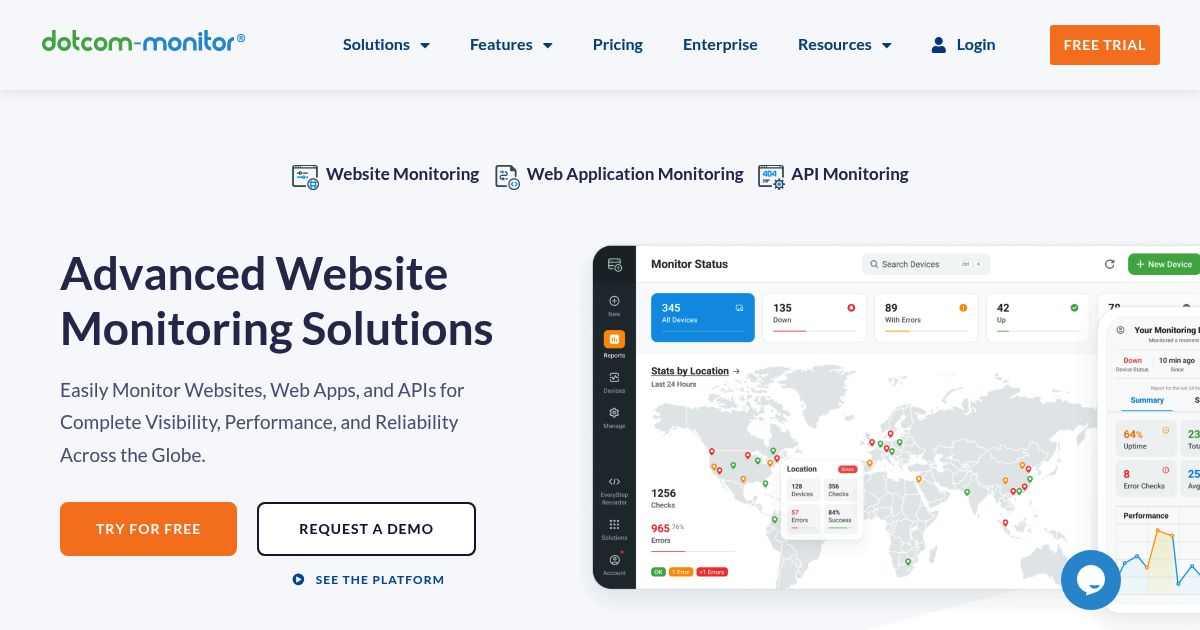
What does Comcast, Dell Technology, Dish Network, Volvo, Xerox, and Citrix have in common? Answer: They are all customers of Dotcom Monitor. If you’d like to see uptime monitoring done in-depth then look no further than dotcom-monitor. The tool offers a complete range of monitoring features but split them up so you can choose the elements you need and pay for only those. Their uptime monitoring service includes response validation, access to a web API, and even retains three years’ worth of data – all for only $17.99/mo.
2. Uptime.com

This is a popular online service that can check the availability of any website from over 35 servers located over the world. Uptime provides real-life data, as well as detailed uptime statistics for up to one month.
Uptime is not only a website down checker. This tool also provides DNS info, WHOIS checkup, and notifies you in case it finds any spam or malware on the platform.
Aside from that, this tool can be used to monitor your own portal. Uptime is a great choice for medium-sized businesses and enterprises due to its wide variety of features. It monitors your website and alerts you if something stops workings. Thus, you can effectively eliminate any unplanned downtime.
3. Host Tracker
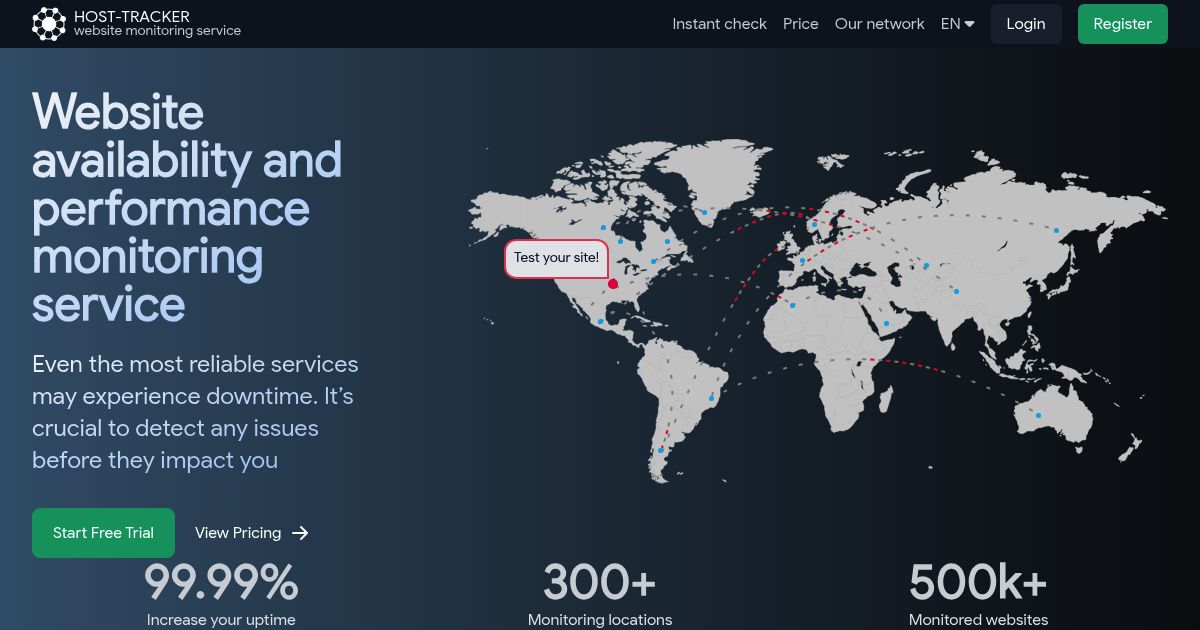
Not to be confused with Microsoft’s prototype software HostTracker, Host-Tracker is a comprehensive website monitoring service. The service has 140 nodes and multiple monitor points from all over the world. Host-Tracker comes in several different language package – Italian, English, Spanish, and Greek. The Free plan covers up to 2 website monitors (checks at 30 minutes interval); for paid plans, it covers up to 150 website monitors and nine different checking methods.
At time of writing, Host Tracker is monitoring more than 500,000 websites from 300+ locations. Their entry plan starts at $9.99/mo if you subscribe for a year.
4. Uptime Robot

Uptime Robot checks your sites every five minutes or so and if the site does not ping back, the program will e-mail you a message that your sites are down. The best thing about Uptime Robot is that it’s completely free for your first 50 monitors.
5. Is It Down Right Now?
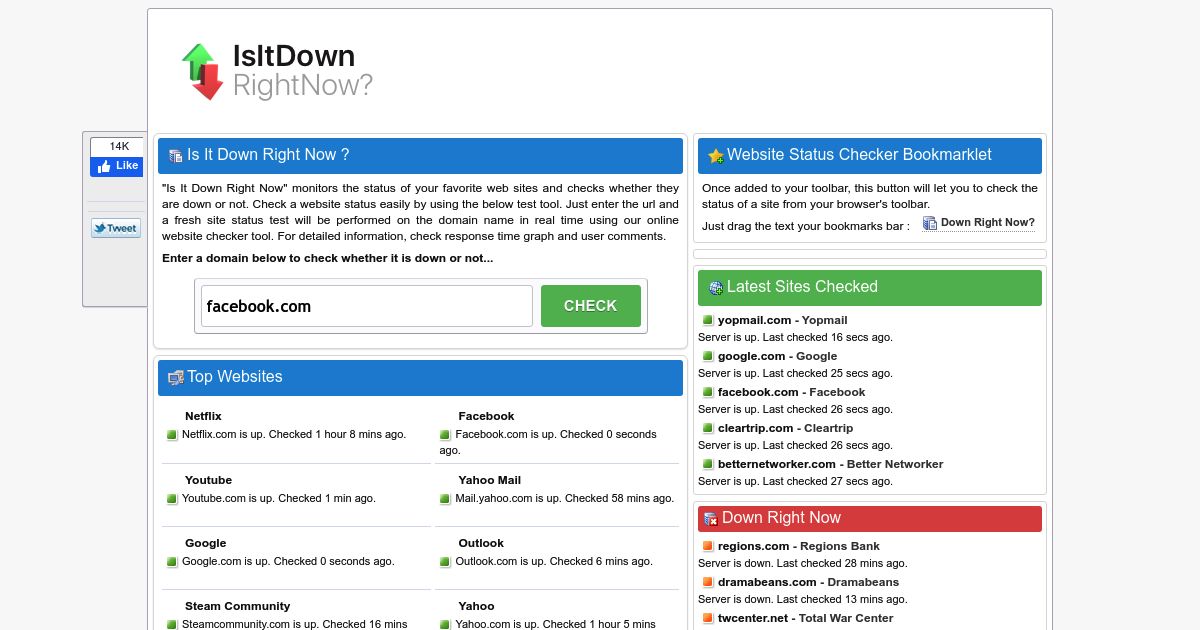
This service is pretty self-explanatory. One of your favorite places appears to be offline? Just type the name of the website you want to get tested and press “Check.” IsItDownRightNow will undertake a quick free analysis and tell you if the site is online.
IsItDownRightNow also provides some extra data. For example, you can see a list of similar sites and a community rating. IsItDownRightNow also shows detailed website uptime history, telling you about the last times the portal was offline.
6. Down for Everyone or Just Me
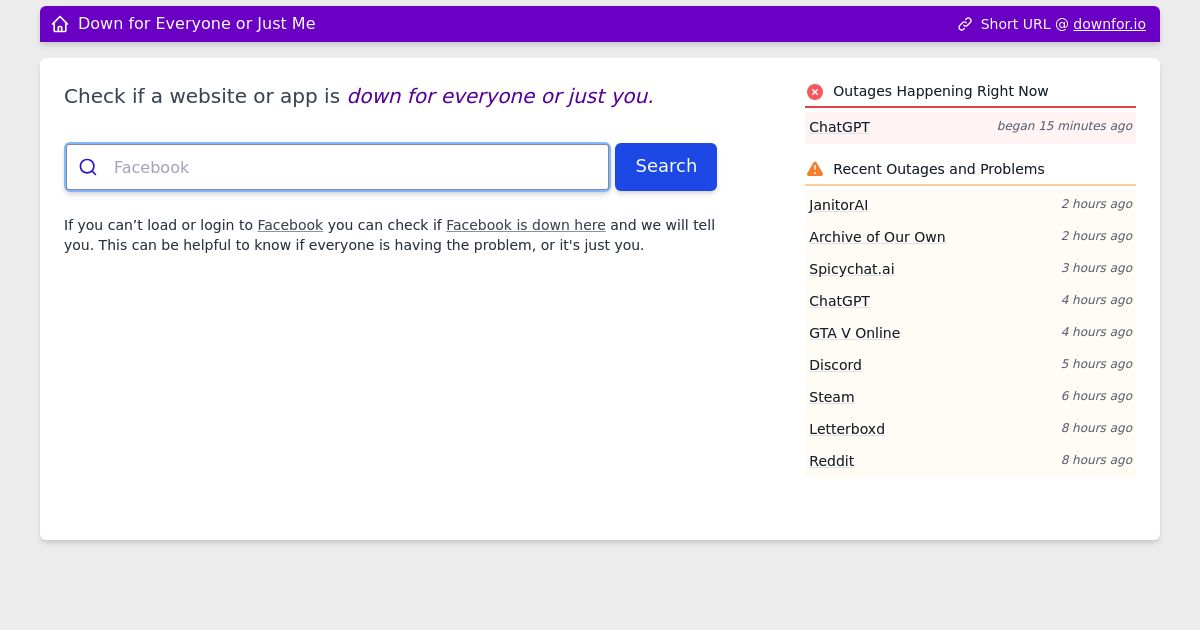
DownForEveryoneOrJustMe is a straightforward ping site that does exactly what you think it would. That is, it shows if the portal that you’re attempting to access is offline, or if something in your network prevents you from reaching it.
This site doesn’t have any additional useful tools or features. It also doesn’t show any reasons for why you can’t access a website. Still, you’ll find DownForEveryoneOrJustMe useful if you want to check website status really quick and make sure that the problem is not on your side.
7. Google PageSpeed Insights

It seems that Google always finds its way into any list. And this top is no exception. Google’s PageSpeed Insights is an incredibly popular website analyzer that can check website status quickly.
Just enter the name of a platform you want to check, and PageSpeedInsights will tell you if it’s accessible. This tool won’t tell you about the reasons you can’t reach a website in question if it fails to load. If the site is up for everyone except you – then you’ll get a positive result and an exhaustive report. It includes various data about a portal, including page load times, app performance statistics, as well as suggestions for speed improvement.
8. GotSiteMonitor
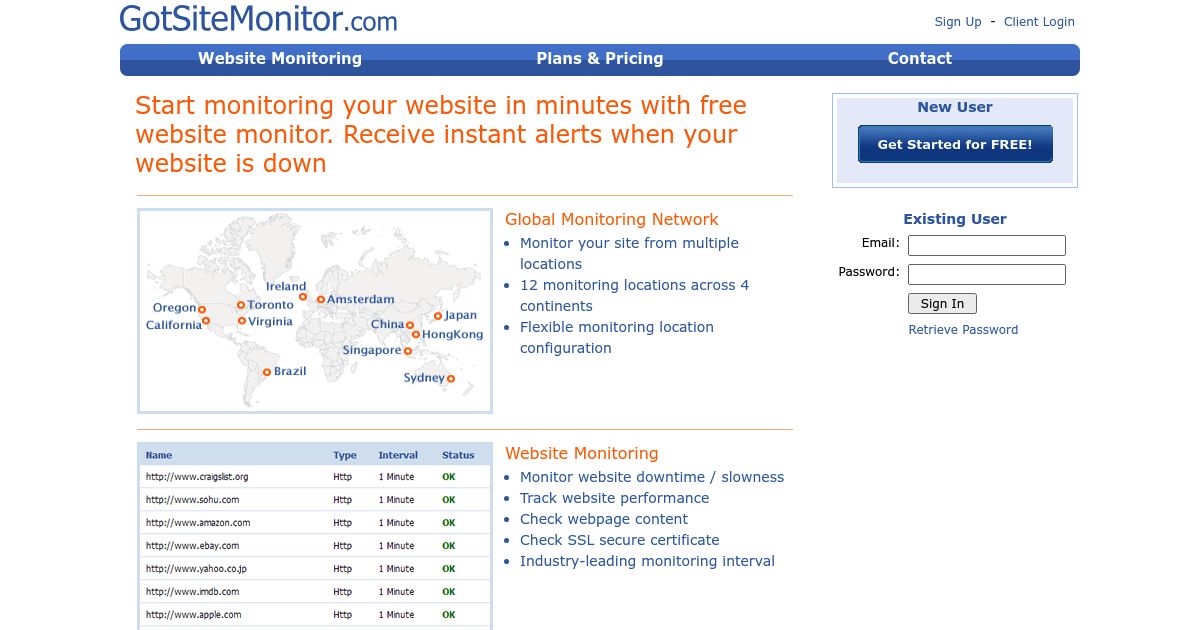
Got Site Monitor Free plan covers up to 5 URLs, 20 SMS alerts on signup, and unlimited email alerts. Website check (monitoring interval) is done every 10 minutes for Free Plan, every 1 minute for Paid Plans. The users get to track websites uptime from different locations, including Singapore, Australia, Brazil, Canada, Japan, and China.
9. ServiceUptime

Do you want to reduce unplanned downtime to a minimum? ServiceUptime allows you to monitor your portal from virtually anywhere in the world.
This is an advanced online monitoring service that checks your website’s uptime round the clock. ServiceUptime immediately notifies you via email or SMS in case something goes wrong.
All of its features are available for free, as well as for the premium subscription. And it’s an extremely useful tool even when you don’t pay for it. However, the premium version is where it really shines.
For a reasonable price, ServiceUptime is going to check your portal every minute from up to 210 places all over the world so you can address incoming issues right away. You can also try premium functionality for free with a 14-day trial.
10. DownRightNow

Do you want to keep an eye out for the availability of the Internet’s most popular portals? Then, DownRightNow is just what you need. It’s a crowd-sourced website down checker for the largest social media networks and online services.
This free tool offers 24/7 web monitoring of giants like Twitter, Facebook, YouTube, Netflix, and many other services. You also get information about the stability and latest downtime of each website. Additionally, DownRightNow also allows users to report about outages.
11. DownInspector

Another useful free web service to check website status. Simply enter any URL you want to analyze, and DownInspector will provide you with results.
Even though it’s straightforward, DownInspector still offers more functionality than basic ping sites like DownforEveryoneOrJustMe. For example, it shows an uptime report for the last day and a map with countries that have trouble accessing the site. DownInspector also allows users to submit reports about problems with the availability of any website.
12. Site 24×7

With Site24x7, you can test website accessibility from over 60 servers located worldwide. But that’s not all. This tool has many other features to offer.
Site24x7 shows a DNS resolve time, first- and last-byte time, as well as total response time for any site. In addition to uptime checkups, this tool can perform an in-depth website analysis, which includes server, network, as well as cloud infrastructure monitoring. These features are accessible with a monthly subscription. However, you can try Site24x7 advanced functionality for free with a 30-day trial.
13. Solarwinds (Pingdom)
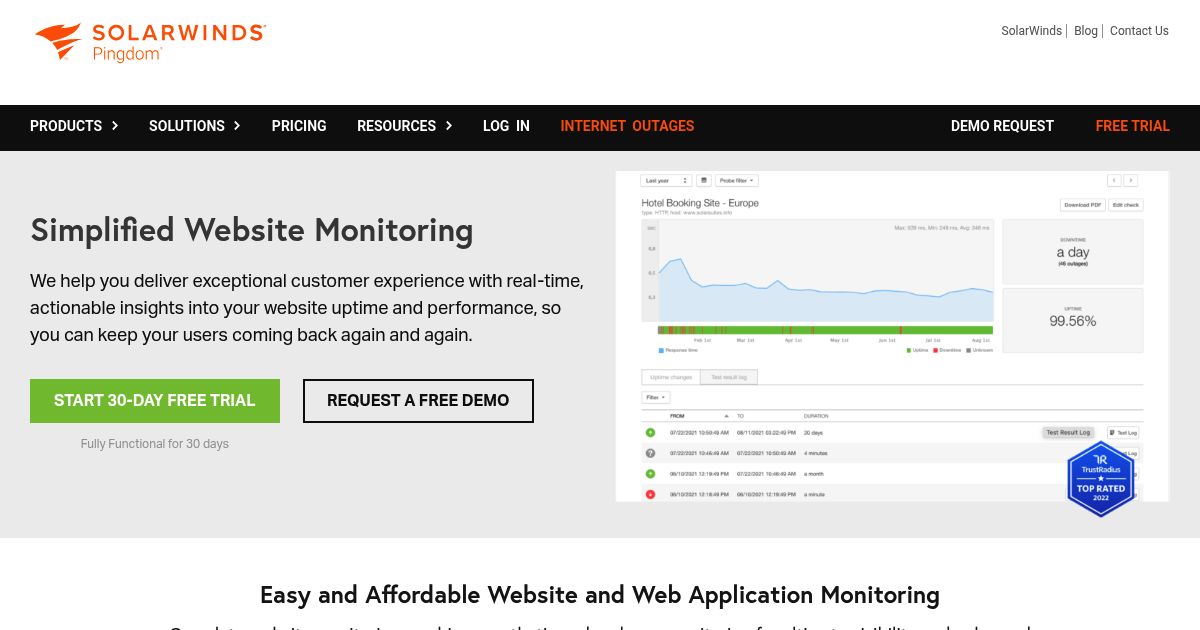
Pingdom, now owned and managed by Solarwinds, repackaged their services and comes in subscription model. At $10 per month, you’ll get 10 uptime, page speed, and transaction checks and 50 SMS alert.
14. Uptrends

Uptrends is a fantastic website uptime and performance monitoring service with advanced functionality. It has a clean and customizable dashboard so you can have a better understanding of what’s going on in your website in real-time.
Uptrends demonstrates essential stats about your site and provides tools for measuring uptime and performance.
You should know that this service isn’t free. However, it offers a free 30-day trial. Want to see how Uptrends can maximize your site’s uptime? Then feel free to try this tool free of charge.
15. OneUptime

OneUptime (previously Fyipe) offers a comprehensive observability platform with flexible pricing plans to suit various business needs. The Free plan includes essential features such as one status page, 100 subscribers, unlimited manual monitors, incident management, and support for logs, traces, and metrics, all backed by a 99.00% Service Level Agreement (SLA).
For growing businesses and enterprises, their paid plans come with advanced features such as unlimited status pages and subscribers, automated on-call rotation with real-time alerts, over 5,000 third-party integrations, and API access for seamless workflow automation. Higher-tier plans include enterprise-level capabilities like Single Sign-On (SSO), granular access controls, dedicated account management, and deployment across multiple cloud environments.
Get Free Web Hosting Consultation
Not sure which web host is the best fit for your website? Get tailored hosting advice from our team today. Click the button below to begin. Whether you have questions about performance, pricing, or specific features, we’re here to help you make the best decision.
Website Uptime Monitoring Explained
As you search for a web host, you’ll undoubtedly come across the term “uptime” and all sorts of guarantees surrounding it. But what does it actually mean; and why does it matter?
What is Uptime?
Uptime refers to the amount of time your website is accessible and functioning properly. A high uptime percentage ensures that visitors can reach your site without interruption; while downtime means the opposite – people can’t reach your site and you are losing traffic, revenue, and credibility.
Web hosting companies often provide “Uptime Guarantees” – which promise a certain level of availability. For example, a 99.9% uptime guarantee means your website should be accessible for at least 23.976 hours per day.
Numbers Behind Web Host’s Uptime Guarantee
| Uptime Guarantee | Details | Potential Downtime |
|---|---|---|
| 99% | Your website is up and running 99% of the time. | ~3.65 days/year |
| 99.9% | Known as the “three nines,” this is the industry standard. | ~8.76 hours/year |
| 99.99% | Even more reliable, reducing downtime significantly. | ~52.56 minutes/year |
| 99.999% | Near-perfect uptime, ensuring minimal disruption. | ~5.26 minutes/year |
Why Monitor Your Website Uptime?
Two main reasons to monitor your website uptime:
- To react quickly and minimize the damage when your site goes down; and
- To confirm that your web host is delivering their promises.
For businesses relying on their website to generate leads, sales, or customer trust, even a few minutes of downtime can mean lost revenue and damaged credibility. According to Gartner’s research, network downtime can cost businesses up to $5,600 per minute, and websites experience an average of three hours of unplanned downtime per month.

For industries like eCommerce, online education, or SaaS, where customers expect 24/7 accessibility, downtime can be especially costly. Beyond user experience, search engines may also penalize websites with frequent outages, which can impact your SEO rankings and reduce visibility. That’s why uptime should be a core consideration when selecting a business hosting provider. While most web hosts advertise high uptime guarantees, it’s important to independently verify performance and not rely solely on marketing claims.
To stay ahead of potential issues, you should take a proactive approach by regularly monitoring their website’s availability. Uptime monitoring tools can alert you the moment your site goes down, giving you the chance to troubleshoot quickly or escalate the issue to your hosting provider.
These tools not only track whether your site is live, but many also offer performance insights, response time tracking, and historical uptime data — all of which are valuable for maintaining a reliable online presence.
In the next sections, we’ll walk through how to check if your website is down and help you choose the right one based on your business needs.
How to Check If Your Website Is Down?
Sometimes, a website refuses to load, making you wonder if the issue is on your end or if the website itself is down. If other sites are working fine but one particular site isn’t, there are multiple ways to diagnose the problem before relying on uptime monitoring tools.
Basic Troubleshooting Steps
Before using a dedicated website down checker, try these simple steps:
- Visit other websites – If multiple sites won’t load, your Internet connection may be the issue.
- Check your hardware – Ensure your modem, router, and cables are properly connected.
- Test on multiple devices and networks – Switch devices or try a mobile network instead of Wi-Fi.
- Use a VPN – Some sites restrict access based on geography. A VPN can help bypass regional blocks.
- Disable browser extensions – Ad blockers or security extensions may interfere with website loading.
- Check your hosting provider’s status page – Many hosts report service disruptions on their official status pages.
Using Command Line Tools
Command line tools provide a quick way to check if a website is actually down or just unreachable from your location.
- Windows – Open Command Prompt and type: ping yourwebsite.com.
- Mac OS – Use Network Utility, enter the URL, and press Enter.
- Linux – Open a terminal (Ctrl+Alt+T) and run the same ping command.
If the request times out, the website may be experiencing an outage.
Types of Uptime Monitoring Tools

If a website remains inaccessible despite basic troubleshooting, it’s time to use uptime monitoring tools. These tools actively check website availability and alert you when downtime occurs. They fall into four main categories: Ping monitor, HTTP monitor, DNS Server Monitor, and TCP port monitor.
| Monitoring Type | Function | Key Benefits | Best For |
|---|---|---|---|
| Ping Monitor | Pings the website to check if it’s online and measures connection speed. | Detects downtime quickly, tracks network latency, helps with performance optimization. | Basic uptime monitoring, general website owners, performance tracking. |
| HTTP Monitor | Monitors HTTP traffic between the internet and the server; can check SSL certificate status. | Identifies HTTP errors, SSL certificate issues, and connection failures. | Website security, eCommerce, SSL validation, and troubleshooting web requests. |
| DNS Server Monitor | Checks DNS resolution and detects protocol failures, network outages, and hijacking attempts. | Prevents domain hijacking, ensures correct domain resolution, detects DNS failures early. | Businesses with high-security needs, domain administrators, DNS troubleshooting. |
| TCP Port Monitor | Ensures data transfer between network devices and alerts on failed or faulty transmissions. | Ensures stable network connections, prevents data loss, and helps diagnose transmission issues. | IT administrators, network security teams, enterprise infrastructure monitoring. |
1. Ping Monitor
A Ping monitor basically pings your website to confirm that it’s there and up and running.
Think of ping like a virtual ping pong ball; if you serve the ball to a wall, it should hit that wall and come back to you – if the wall is down, the ball isn’t able to connect. Same with a ping monitor – if your site is down, it senses the missing connection and notifies you.
This type of monitoring typically goes a bit above simply letting you know if your site is up, however – it does also provide insight into internet connection speeds and downtime statistics. The connection speed is an important factor, because slow websites are not much better than down sites for visitors, not to mention that slow speeds hurt your Google search rankings.
2. HTTP Monitor
We use HTTP to transfer data online, using set rules that tell the servers and web browsers which information to exchange. Because it is involved in the constant information exchange that occurs, HTTP monitors provide information about the HTTP traffic between the internet and computer. Advanced settings allow users to glean additional insights, such as whether an SSL certificate is in place.
3. DNS Server Monitor
Every computer corresponds with a numerical address; the DNS protocol translates the online address to the numerical address. By matching the information and running behind the scenes monitoring of the addresses, the DNS server monitor is able to provide in-depth information about uptime, protocol failures, network outages, and more. Particularly important, should a numerical address mismatch with the online address, the DNS is able to sense it and report the error which may be a result of hijacking.
4. TCP Port Monitor
The Transmission Control Protocol – or TCP, for short, transfers data from one network device to another network device, using a retransmission strategy to ensure that there isn’t any data loss that occurs during each transmission. Since it is part of quality monitoring and has a hand in establishing host-to-host communications, it becomes apparent quite quickly if there is a connection problem. Should a TCP port fail to respond or receive transmitted information, the monitor will alert the user of the failed or faulty transmission.
It is incredibly important to monitor your site’s uptime to make it successful. There are constant threats in the cyber world and working with a great host who carefully monitors uptime and employs great defenses proactively is the first step; taking secondary measures to monitor yourself is the second and both are equally important.
How to Choose the Right Uptime Monitoring Service
Choose an uptime monitoring service based on how quickly it detects failures, alerts your team, records incidents, and communicates outages. Different uptime monitoring solutions vary in monitoring frequency, reporting tools, geographic coverage, and price.
1. Check Interval: How Frequently Does It Monitor?
The check interval determines how often the service tests your website. Depending on the plan, a tool may check your site every 30 seconds or every 1, 5, 10, or 15 minutes.
Shorter intervals detect downtime sooner but usually cost more. A five-minute monitor may also miss an outage that begins and ends between checks.
A 1- to 5-minute interval is sufficient for most small business websites. Online stores, SaaS applications, and other time-sensitive services may need checks every 30 to 60 seconds.
2. Alert Mechanism: How Are Notifications Sent?
The alert mechanism determines how quickly the right person learns about an outage. Uptime monitoring services may send notifications through:
- Email alerts: Suitable for routine warnings but easy to miss during urgent incidents.
- SMS alerts: Deliver urgent notifications without requiring an internet connection.
- Push notifications: Send real-time alerts through a mobile application.
- Phone calls: Escalate serious incidents that require immediate attention.
- Third-party integrations: Notify teams through Slack, Microsoft Teams, PagerDuty, or similar platforms.
Business websites should use at least two alert channels. Escalation rules are also useful because they notify another person when the first contact does not acknowledge an incident.
3. Reporting Features: What Insights Are Provided?
Reporting features record what happened before, during, and after an outage. Useful uptime reports should include:
- Uptime history: Records availability percentages and past downtime.
- Response time tracking: Shows whether server responses are becoming slower.
- Incident timestamps: Records when an outage started, when it was detected, and when service recovered.
- Failure details: Identifies HTTP errors, DNS failures, connection timeouts, or SSL problems.
- Exportable reports: Provides evidence you can download or share with your hosting provider.
Accurate historical reports help you identify recurring problems and verify whether your web host meets its uptime guarantee. Check how long the service retains this data, especially if you need monthly, quarterly, or annual records.
4. Status Reporting: Can You Communicate Outages Clearly?
Status reporting communicates service disruptions to customers, staff, and other stakeholders. Some uptime monitoring services provide a public status page that displays the current condition of your website, application, API, or other monitored components.
A useful status page should show:
- Current service and component status
- The time an incident began
- Affected services, locations, or functions
- Investigation and recovery updates
- The time service was restored
- Historical incidents and maintenance notices
- Subscription options for future updates
Look for tools that support both automated and manual updates. Automated monitoring can report that a service is unavailable, while manual updates let your team explain the cause, business impact, and recovery progress.
Transparent reporting does not mean publishing every technical detail. It means acknowledging the incident quickly, stating what is affected, and providing updates until the issue is resolved.
5. Cost: Do You Need a Paid Uptime Monitoring Service?
You need a paid uptime monitoring service when faster detection, longer report retention, or team-based incident management justifies the cost. Free plans usually provide basic availability checks with limited monitoring frequency and alert options.
Paid plans commonly provide:
- Shorter check intervals
- Monitoring from multiple locations
- SMS, phone, and escalation alerts
- Longer data retention
- Public status pages
- Incident management integrations
A free service may be sufficient for a personal blog or small informational website. A paid plan is more suitable when downtime affects sales, customer access, contractual obligations, or business operations.
6. Global Monitoring: Does It Check from Multiple Locations?
Global monitoring checks your website from several geographic locations. This coverage helps distinguish a complete outage from a regional routing, DNS, CDN, or data center problem.
Look for services that confirm a failed check from a second location before sending an outage alert. This confirmation reduces false alarms caused by a temporary problem at one monitoring node.
Choose monitoring locations near your main visitors. A website serving customers in North America, Europe, and Asia should have checks running from each region.
7. Scalability: Can It Grow with Your Needs?
A scalable uptime monitoring service supports more websites, endpoints, users, and integrations as your operations grow. Review both the plan limits and upgrade costs before committing to a service.
Useful scaling features include:
- Multiple websites, servers, APIs, and ports
- Team accounts and role-based access
- Alert escalation and on-call scheduling
- Longer report and incident retention
- API and webhook access
- Integrations with incident management platforms
Select a service that fits your current monitoring needs while leaving room for additional websites and team members. This avoids migrating your monitoring history and alert workflows to another platform later.
Final Thoughts
A website that’s down is like a shop with the lights off and the doors locked — your visitors don’t wait around, they just leave.
That’s why having the right uptime monitoring tools in your corner is essential. Whether you’re hosting a growing eCommerce website, managing a high-traffic education portal, or launching your next blog, knowing your site is online (and staying that way) gives you peace of mind and a competitive edge.
The good news? As you can see above – there’s no shortage of tools built to help you catch downtime the moment it happens. From simple website status checkers to advanced monitoring dashboards with global reach, the right tool can save you from unexpected surprises — and maybe even a few customer support headaches.
So if you’re still hitting refresh to see if your site’s back online… it’s time for an upgrade.