Over the years, I’ve helped thousands of aspiring bloggers through my guides on ProBlogger.net (see my author profile here) and speaking at WordPress events. One thing I’ve learned?
Starting a blog is easier than most people think.




While blogging can become more complex as you grow, anyone with a computer and an Internet connection can launch their own blog today. Whether you want to share your ideas, build an audience, or create an online business, this guide will walk you through every step of the process – from setting up your blog to publishing your first post.
Follow these six steps to get started.
Step 1 – Register a Domain Name
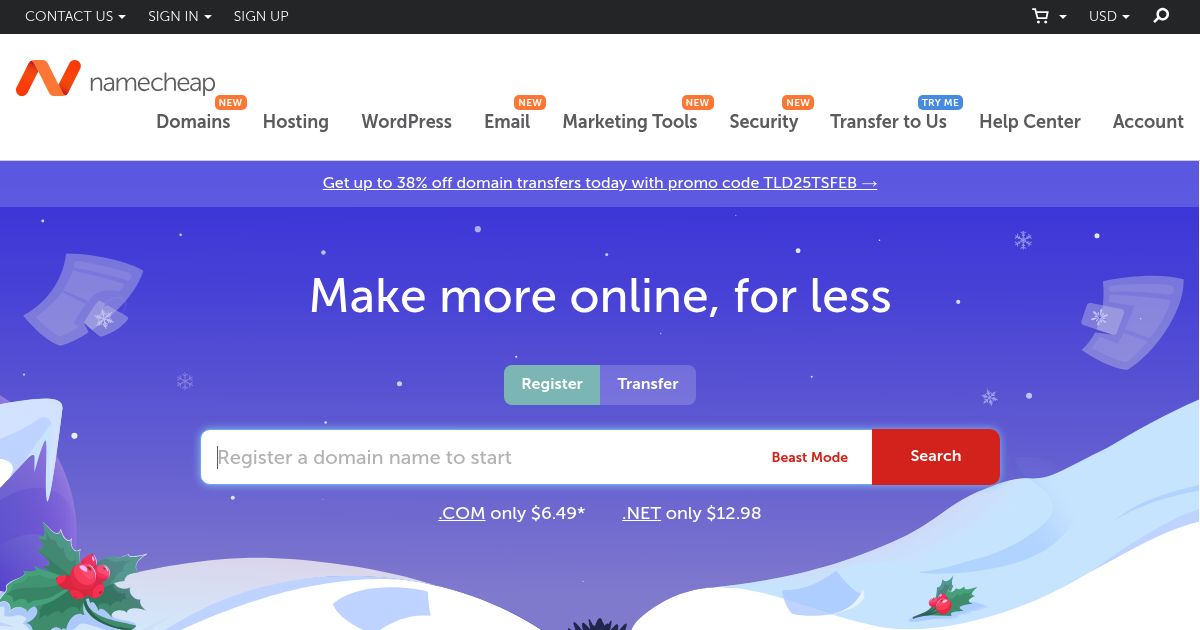
Your domain is the name of your blog. It is not something physical that you can touch or see; but merely a string of characters that give your website an identity – like the title of a book or a place. Your domain ‘tells’ your visitors what sort of blog they are visiting.
You can choose and register your domain names via a domain registrar.
Personally, I use NameCheap to manage my domain registrations mainly because they are usually cheaper and offer free-for-life domain privacy protections. But any other reputable domain registrars should be just fine.
Step 2 – Choose a Web Hosting Provider
Web hosting is the physical place where you store your blog content – words, blog themes, images, videos, and so on. To own web hosting, we rent it from companies who set up and manage web hosting servers.
There are different types of web hosting in the market and there are tons of things to consider when choosing a blog hosting. I am not going to cover those details in this article – if you are curious, feel to click in those links to learn more.
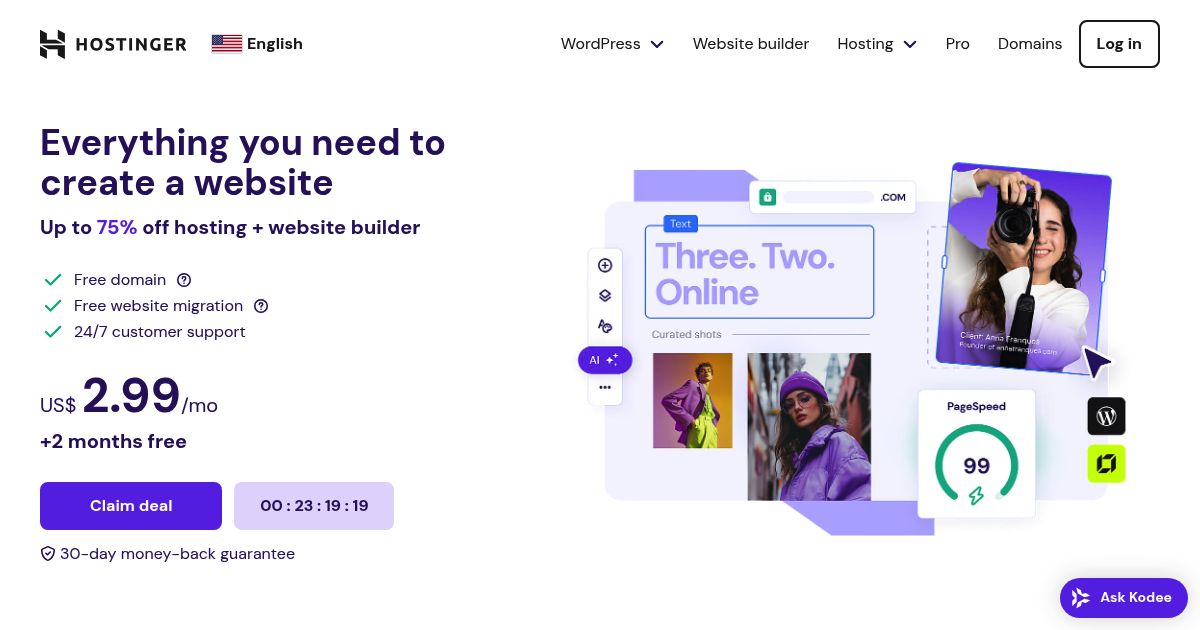
For new bloggers, start small with affordable shared hosting.
Hostinger, HostArmada, and Verpex are cheap, reliable, and offer sufficient features for most of the blogs. I highly recommended them for starters.
Step 3 – Connect Your Domain to Your Hosting Plan
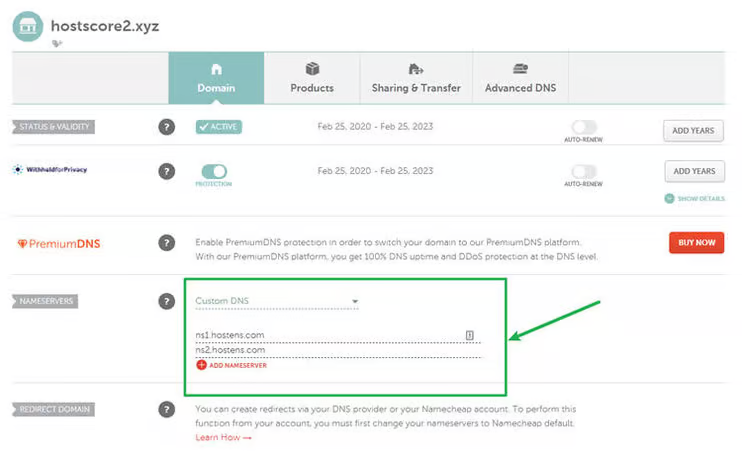
Next, you’ll need to update the Domain Name System (DNS) record at the domain name registrar (where you registered your domain in step #1) to point to your web hosting DNS Nameserver. Details of your web hosting DNS Nameserver are usually emailed to you when you first signup to your hosting.
DNS stands for Domain Name System and it is used to direct any incoming user toward the IP address of the server. So, when a user enters your domain name (ie. example.com) in their browser, the DNS records will fetch the IP address of your web host and serve your blog to the user.
Step 4 – Install WordPress on Your Web Host
To start blogging, you will first need to install a “blogging software” into your web host.
There are plenty of “blogging software” in today’s market but WordPress is by far the most popular system. It is free, popular, well-developed, widely supported by open source community, and newbies-friendly. Statistically, more than 95% of the blogs in the United States are built using WordPress and there are over 30 billion blogs run on WordPress.
WordPress can be installed manually to your web host; or installed automatically using a one-click installation app. Both methods are fairly simple and can be done easily.
Method 1: Manual WordPress Installation
In a quick glance, here are the steps you need to do:
- Download the latest WordPress package here.
- Create a database for WordPress on your web server, as well as a MySQL user who has all privileges for accessing and modifying it.
- Rename the wp-config-sample.php file to wp-config.php.
- Open wp-config.php in the text editor (notepad) and fill in your database details.
- Place the WordPress files in the desired location on your web server.
- Run the WordPress installation script by accessing wp-admin/install.php in your web browser. If you installed WordPress in the root directory, you should visit: http://example.com/wp-admin/install.php; if you installed WordPress in its own subdirectory called blog, for example, you should visit: http://example.com/blog/wp-admin/install.php
- And you are done.
Method 2: One-Click WordPress Installation
Most bloggers do not install their WordPress manually.
With the support of one-click installation services like Softaculous (available with most web hosts), the installation process is very straightforward and can be done in just a few simple clicks.
For your reference, the following images show where you can find the auto-installation feature on you Hostinger dashboard. To install WordPress, just click on the circled icon and follow the dummy-proof instructions – your WordPress system should be up and running in less than 5 minutes.

Things might look different for other web hosts but the process is basically the same. So don’t worry if you are not using one these web hosts I am showing here.
How to Log in to Your WordPress Dashboard
Once you have got your WordPress system installed, you will be given an URL to log in to your WordPress administrator page. In most cases, the URL will be something like this (depending on the folder you installed the WordPress):
http://www.exampleblog.com/wp-adminGo to this URL and log in with your preset username and password; and from there, you will now be at the back-end (dashboard) of your WordPress site – this is part of the blog where only you as the administrator can access. It is a good idea to bookmark your WordPress wp-admin login URL since you will be coming in here very often.
The latest version of WordPress at this time of writing is version 6.7 – by default, you will be using WordPress Gutenberg as the block editor. Gutenberg brings a lot of flexibility to the WordPress platform. This is especially useful for beginners since many things like setting background colors and more no longer require coding. The block system helps with article layout management as well.
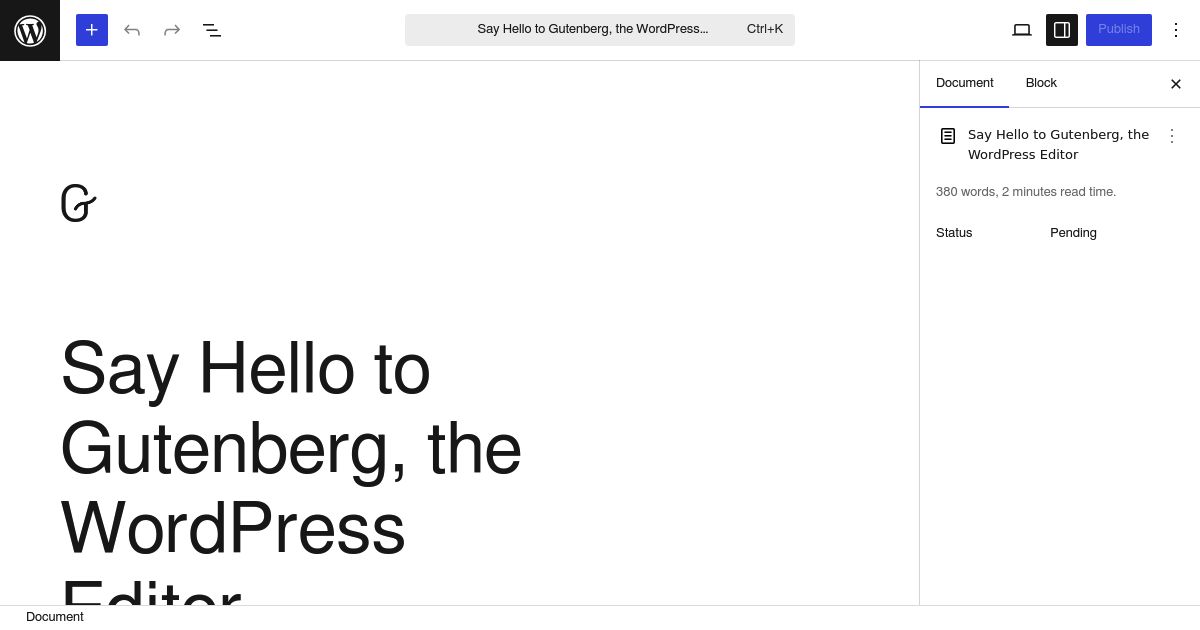
To write and publish a new post, simply navigate to the left sidebar, click ‘Posts’ > ‘Add New’ and you’ll be directed to the writing screen. Click ‘Preview’ to preview how things look on the front end (what your readers will see), and click ‘Publish’ once the post is complete.
Hola! You now have your first blog post published.
Step 5 – Customize Your Blog Design with a WordPress Theme
Now that we have a basic WordPress setup, it’s time to explore its key components. Like all Content Management Systems (CMS), a WordPress blog consists of three main elements:
- CMS Core – The core system we installed earlier using an auto-installer. This includes the fundamental WordPress files that power your site.
- Themes – The front-end design of your blog, controlling its visual appearance and layout.
- Plugins – Add-ons that extend functionality and give you greater control over your blog (covered in detail later).
To customize the look and feel of your blog, you need to modify a set of PHP and CSS files located in the /wp-content/themes/ directory. These files are separate from the WordPress core, meaning you can change them without affecting the system’s functionality.
Most bloggers don’t create themes from scratch. Instead, they choose a pre-designed theme and tweak it to fit their needs. The web is filled with thousands of high-quality WordPress themes—simply searching Google will return millions of options.
If this is your first time setting up a WordPress blog, it’s best to start with a ready-made theme and customize it over time.
Where to Find WordPress Themes?
There are two main ways to get a WordPress theme:
- Free Themes from the WordPress Theme Directory
- Premium Themes from Professional Designers or Theme Clubs
We’ll explore each option below.
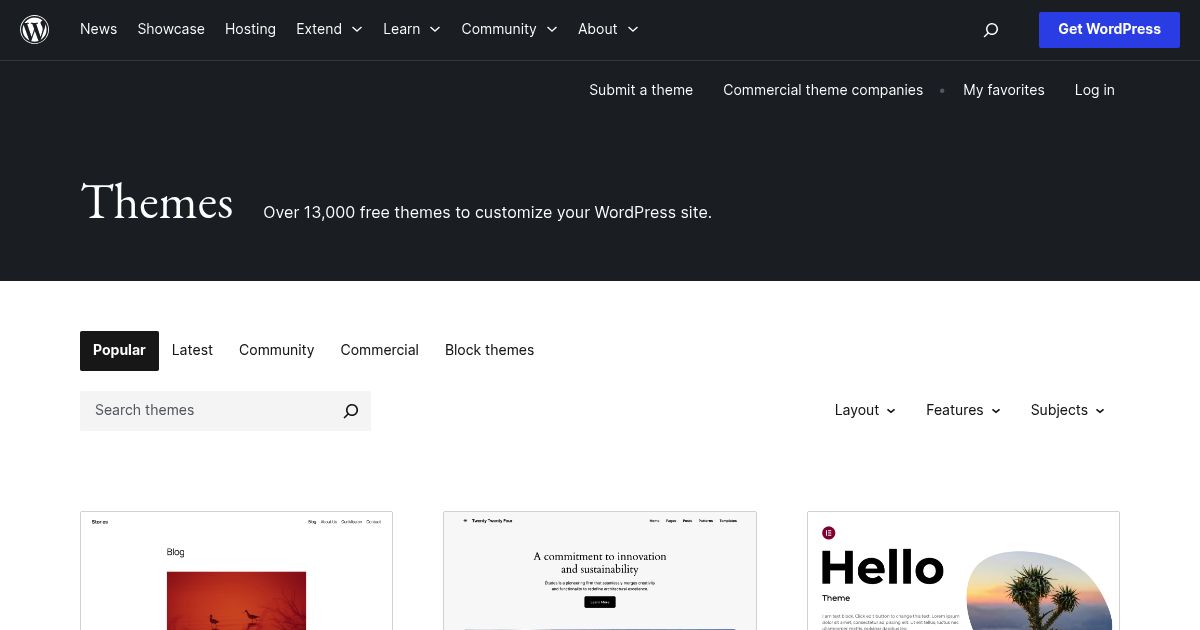
WordPress Theme Directory – Thousands of free themes from inside your dashboard
The WordPress Theme Directory is the best place to find free, well-coded themes. Every theme listed here follows strict WordPress development standards, reducing the risk of security issues and compatibility problems.
If you’re looking for a budget-friendly and reliable theme, start with the official WordPress Theme Directory.
Premium Theme Marketplaces – Sites like Studio Press and Elegant Themes
For those who need advanced customization, unique designs, or better support, premium themes are a great choice. You can buy a professionally designed theme or join a Theme Club, where you pay a subscription fee for access to multiple themes.
Theme Clubs typically offer:
- Professionally designed, high-quality themes
- Regular updates and security patches
- Better customization options and support
Some popular WordPress Theme Clubs include:
Elegant Themes
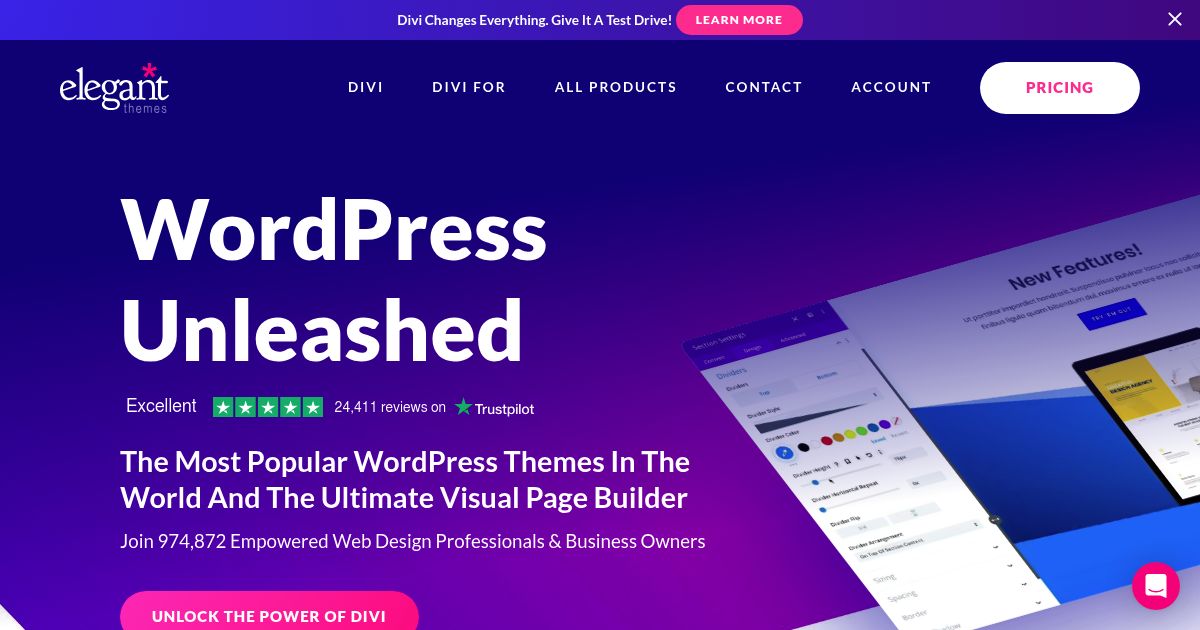
Elegant Themes is one of the most well-known WordPress theme providers, boasting over 750,000 customers. It offers Divi, a powerful drag-and-drop builder with 800+ pre-made layouts. Users also gain access to premium plugins that enhance functionality.
The pricing is straightforward:
- Access to all themes on unlimited sites: $89 per year
- Full access to themes + plugins: $249 lifetime
My experience with Elegant Themes has been positive. It’s affordable, easy to use, and offers extensive customization. Whether you’re a blogger or a business owner, Elegant Themes enhances your website’s aesthetics and user experience, which helps with engagement and traffic growth.
Click here to visit Elegant Themes online.
StudioPress
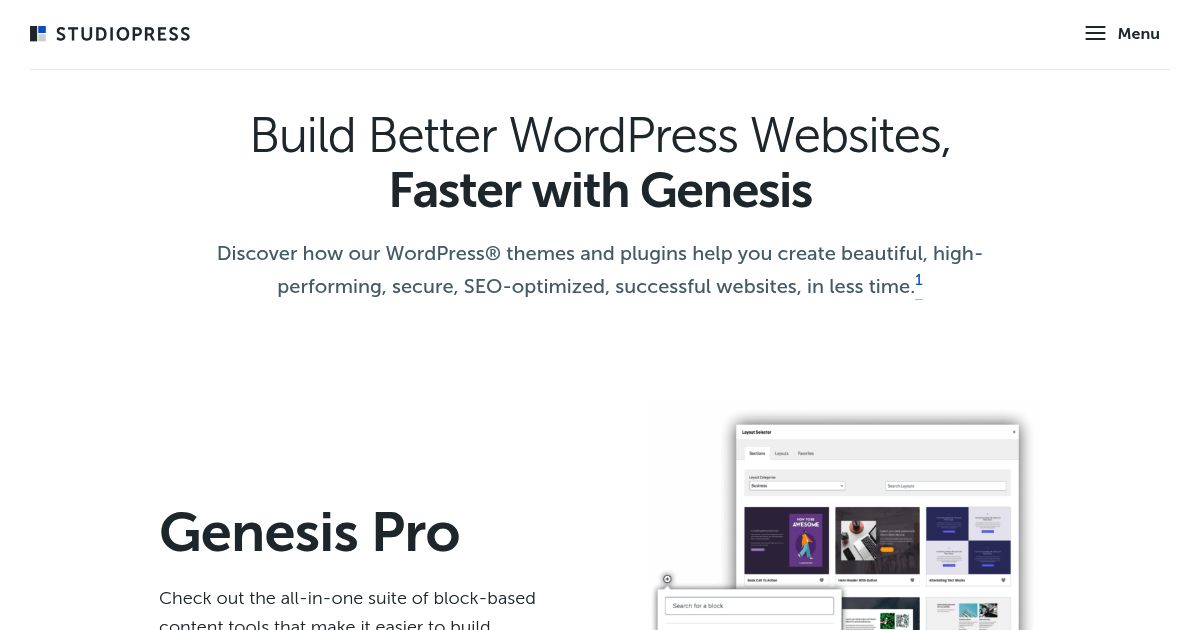
If you’ve been using WordPress for a while, you’ve probably heard of StudioPress. It’s best known for its Genesis Framework, a minimalist and SEO-friendly WordPress foundation.
StudioPress pricing is flexible and affordable – for just $360/year, you get access to and support for Genesis & all the StudioPress-made themes
The Genesis Framework is ideal for users who prioritize speed, security, and SEO. While it may require some learning, it’s a solid investment for long-term WordPress users.
Click here to visit Studio Press online.
Should You Use a Free or Paid Theme?
The choice between free and premium themes depends on your needs.
- Free themes are great for beginners, hobby bloggers, and those with limited budgets.
- Premium themes offer better design, support, and customization—ideal for business sites and serious bloggers.
Whichever option you choose, ensure the theme is well-coded, regularly updated, and compatible with your plugins. A well-designed theme improves not just aesthetics but also site performance and user experience.
Step 6 – Add Essential Blog Features Using Plugins
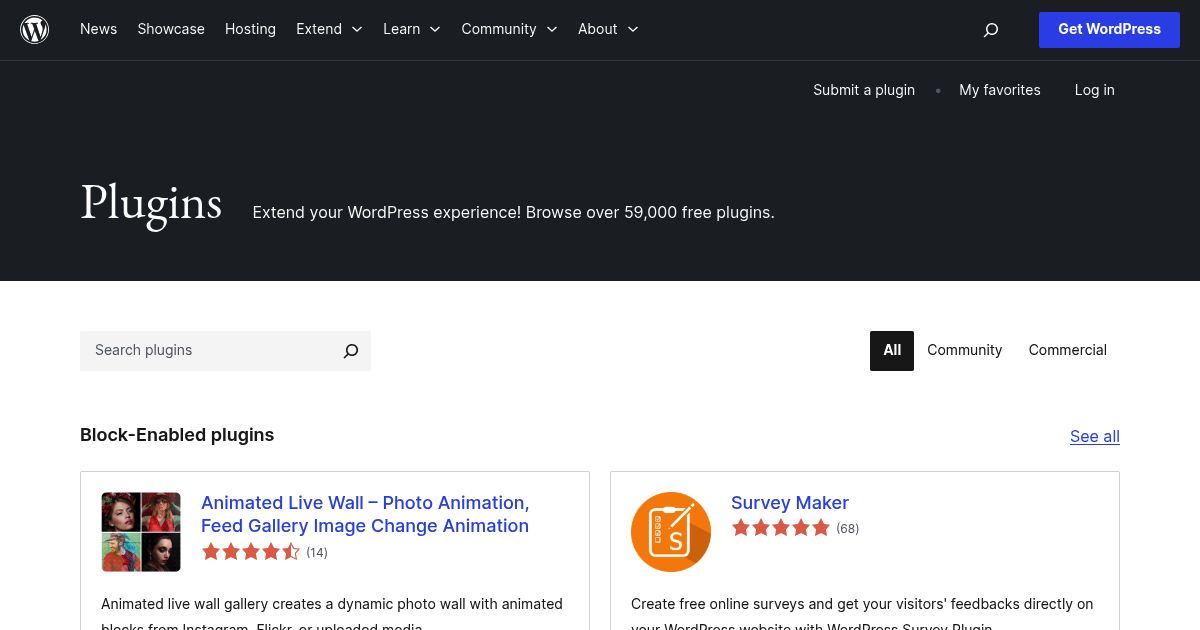
A plugin is a software add-on that extends the functionality of a WordPress blog. It runs on top of WordPress, allowing users to integrate new features without coding. As of now, the official WordPress plugin directory offers 59,000 free plugins, with tens of thousands more available from third-party marketplaces.
Bloggers use plugins to enhance their sites in multiple ways. For example, you can:
- Improve SEO – Use plugins like Yoast SEO or Rank Math to optimize blog posts, generate XML sitemaps, and manage meta tags.
- Enhance Security – Install security plugins such as BBQ Firewall, Wordfence, or Sucuri to protect against malware, brute force attacks, and spam.
- Speed Up Your Site – Leverage caching plugins like WP Fastest Cache or W3 Total Cache to reduce page load times.
- Create Contact Forms – Use plugins like WPForms or Contact Form 7 to allow visitors to reach out easily.
- Optimize Images – Compress and optimize images using plugins like Smush or ShortPixel to improve performance.
- Integrate Social Media – Add social sharing buttons with plugins like Social Snap or Shared Counts to boost engagement.
- Monetize Your Blog – Use ad management plugins like Ad Inserter or affiliate link tools like ThirstyAffiliates.
- Enable eCommerce – Transform your blog into an online store using WooCommerce.
With the right plugins, you can customize your blog to meet your needs, whether it’s for better performance, security, or monetization. However, be mindful not to overload your site with too many plugins, as this can slow down performance and create compatibility issues. Always choose well-coded, frequently updated plugins from reputable sources.
How to Grow and Scale Your Blog After Launch
Once your blog is set up and running, the next challenge is growth. Many new bloggers struggle after the initial excitement fades because they don’t have a long-term strategy. Scaling a blog requires consistency, smart content planning, and a focus on traffic and monetization.
Create a Content Plan for Sustainable Growth
Randomly publishing blog posts isn’t enough—you need a strategy. Successful blogs follow a content calendar that focuses on topics relevant to their niche and audience.
- Use keyword research tools (Try Semrush or Ahrefs) to find topics people are searching for.
- Balance evergreen and trending content – evergreen posts drive long-term traffic, while trending posts capture short-term spikes.
- Update and optimize older posts to keep them relevant and ranking well in search engines.
Consistency is key. Publishing high-quality content regularly helps build readership and improves your blog followings over time.
Grow Your Blog Traffic
Traffic growth takes time, but by focusing on SEO, building a loyal readership, and expanding your online presence, your blog will gain traction. Here are a few proven ways to grow your audience:
- Search Engine Optimization (SEO): Optimize your posts for Google by using targeted keywords, writing clear meta descriptions, and getting backlinks from reputable sites.
- Email Marketing: Build an email list from day one. Even a small list of engaged subscribers can drive steady traffic.
- Social Media Promotion: Share your content on platforms like Twitter, Facebook, and Pinterest. Each platform has a unique audience – focus on the one that works best for your niche.
- Networking & Guest Posting: Collaborate with other bloggers in your industry by writing guest posts, participating in podcasts, or joining online communities.
Monetize Your Blog Effectively
Scaling a blog isn’t just about traffic – it’s about making it profitable. There are multiple ways to monetize a blog:
- Affiliate Marketing: Promote products and earn commissions when readers make a purchase.
- Advertising: Use platforms like Google AdSense or Mediavine to display ads on your blog.
- Selling Digital Products: Offer e-books, courses, or exclusive content for paying subscribers.
- Sponsored Posts: Work with brands that align with your blog’s niche.
Choosing the right monetization method depends on your audience and blog content. Start small, test different revenue streams, and focus on what works best for your readers.
Scaling Beyond a One-Person Blog
At some point, you may want to expand beyond running the blog solo. Successful blogs grow by outsourcing tasks like content writing, social media management, and SEO.
- Hire freelance writers to keep content production consistent.
- Use automation tools – such as Buffer for social media or ConvertKit for email marketing, to save time.
- Consider partnerships or guest contributors to diversify content and reach new audiences.
Is Blogging Still Worth It Today?
The answer to whether blogging is “worth it” depends on your goals. Blogging is incredibly versatile—it can be a profitable income stream, a business growth tool, or simply a fulfilling hobby. Whether it’s valuable to you depends on how you approach it and what you hope to achieve.
Blogging as a Source of Income
There are more opportunities than ever to make money from blogging. With the rise of digital marketing, brands are actively working with bloggers and influencers to reach their audience.
Successful bloggers in niches like food, travel, and tech generate thousands of dollars monthly through sponsorships, ads, and affiliate marketing.
Companies recognize the power of influencer marketing. For example, Somersby partnered with Polish bloggers in a recent campaign, leading to increased brand awareness.
Even web hosting companies leverage bloggers for promotions. Years ago, WPX Hosting made SEO blogger Matthew Woodward their brand ambassador, further proving the influence of content creators.
The income potential depends on your niche, audience, and consistency – but for those willing to put in the effort, blogging can be a profitable venture.
Blogging to Build a Brand or Business
A well-maintained blog is also a powerful tool for business promotion. Many companies mistakenly believe that having an official website is enough, but statistics prove otherwise:
- Businesses that blog get 55% more visitors and 434% more indexed pages in search engines.
More indexed pages lead to higher search rankings, increasing organic traffic and conversion potential.
Many B2B marketers consider blogging the most effective type of content marketing, as it helps establish authority and trust.
For businesses, a blog is an opportunity to engage customers, improve brand visibility, and drive long-term growth.
Blogging as a Creative Outlet or Hobby
Not everyone starts a blog to make money or grow a business – some just enjoy writing and sharing ideas. If you’re blogging for fun, there’s little to no cost involved:
Free web hosting providers offer subdomains, allowing anyone to start a blog at zero cost.
Even premium hosting and domains are affordable – a personal blog can run for under $100 per year.
Blogging helps you develop valuable skills like writing, SEO, image editing, and social media marketing.
Whether you want to document personal experiences, share knowledge, or experiment with web design, blogging can be a creative and rewarding hobby.
Final Verdict: Should You Start a Blog?
Blogging remains as relevant as ever, but its value depends on your goals and commitment. Whether you want to earn money, grow a business, or just have fun, a blog can be a powerful tool.
If you’re thinking about starting one, don’t overthink it – just start writing. The sooner you begin, the sooner you’ll see results.