What Happens When You Try to Run AI on Traditional Hosting?

Imagine this: you’re experimenting with AI locally, maybe running a small chatbot or testing Stable Diffusion to generate images. Everything works fine on your GPU-equipped desktop. But once you try to deploy that same app on traditional web hosting, problems start.
The model fails to load. Inference times out. Or worse, your host suspends the account for excessive resource usage.
That’s because shared and VPS hosting platforms are built for standard web applications (HTML, PHP, MySQL), not for GPU-intensive tasks. These servers lack the parallel processing power needed to handle AI workloads, which rely on fast tensor operations and real-time inference.
What Is GPU Hosting?
GPU hosting provides servers equipped with one or more graphics processing units (GPUs). These GPUs accelerate parallel computations, making them ideal for machine learning, deep learning, and AI model deployment.
While originally designed for gaming and video rendering, GPUs now power everything from computer vision pipelines to transformer-based language models. Unlike CPUs, which handle tasks sequentially, GPUs process thousands of operations simultaneously, dramatically reducing training and inference times.
How Is GPU Server Different from Standard Hosting?
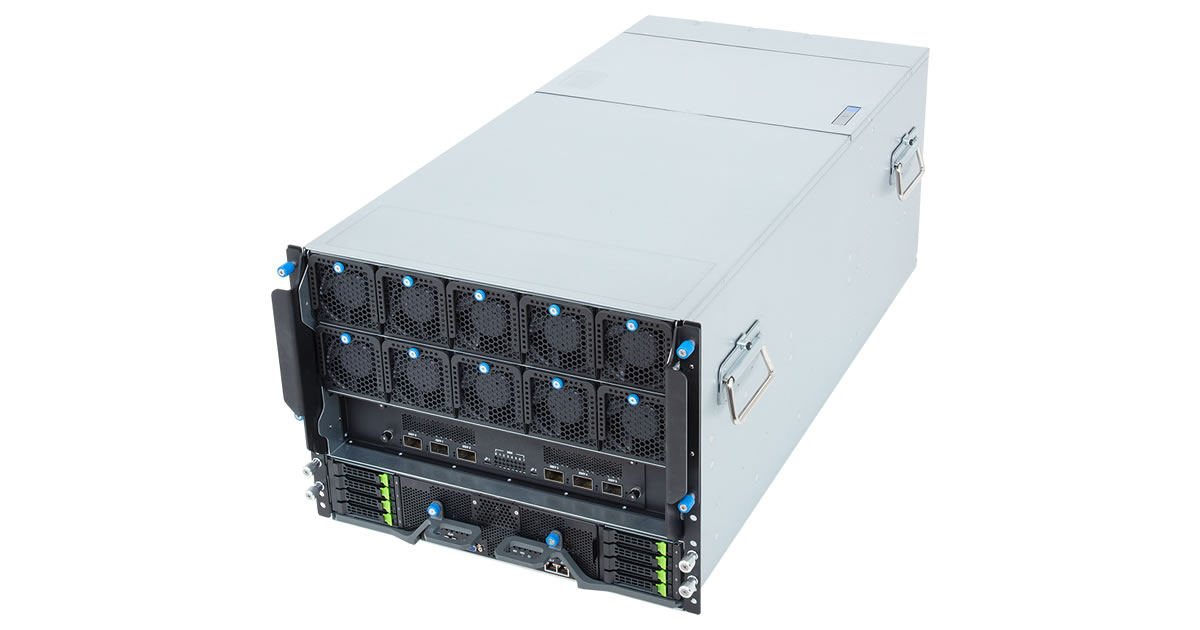
The key difference lies in how CPUs and GPUs handle computation:
- CPUs (used in traditional hosting) are great for sequential tasks, such as serving web pages, managing databases, or running light scripts.
- GPUs excel at processing many operations simultaneously. That makes them ideal for the types of tasks AI models require — like matrix multiplications, image processing, and real-time inference.
In traditional hosting environments, you get access to CPU cores, limited memory, and no support for GPU drivers or toolkits like CUDA or TensorFlow. That’s fine for serving WordPress sites or basic API endpoints. But try running a local LLM like LLaMA or generating a batch of AI images? You’ll likely hit memory errors or execution timeouts before anything renders.
GPU hosting solves that problem by giving you direct access to high-performance GPU hardware, such as NVIDIA’s L4, L40S, or H100 NVL cards, plus the system-level freedom to configure your environment for AI workloads. GPU hosting providers like LiquidWeb and Atlantic.Net offer these setups with high RAM, NVMe storage, and the ability to run Docker containers or install custom libraries.
Why Traditional Web Hosting Falls Short for AI Workloads
Even high-end traditional hosting plans—like VPS or managed WordPress servers—aren’t built for the kind of workloads that modern AI applications demand. Hosting environments designed for serving static files, PHP scripts, or basic APIs quickly break down when asked to run compute-heavy tasks like LLM inference or image generation.
Here’s why:
1. No Access to GPUs or CUDA Environments
Most shared or VPS hosting environments don’t offer access to a GPU—and without a GPU, you can’t run models that rely on CUDA (NVIDIA’s GPU computing platform) or machine learning libraries like TensorFlow and PyTorch.
These libraries require specialized drivers and environments that simply aren’t supported in conventional hosting stacks. You might be able to install Python, but loading a 7GB AI model on CPU? It’s a non-starter.
2. Hardware and Resource Constraints
Traditional web hosts are optimized for memory- and CPU-efficient workloads. AI tasks, on the other hand, often need:
- 16GB+ of dedicated GPU VRAM
- 100–1,000GB of system RAM
- High I/O SSD performance to stream large datasets or model checkpoints
Even premium VPS plans can’t touch the resource tiers offered by GPU providers. For example, Atlantic.Net offers plans with up to 1.9TB RAM, 8× H100 NVL GPUs, and 21TB SSD storage — specs unimaginable in traditional web hosting.
3. Locked-Down Execution Environments
Most web hosts don’t give you root access or let you install custom system libraries, run Docker, or launch persistent processes. That’s a major limitation for AI projects, which often require:
- Specific versions of Python and dependencies
- GPU-accelerated Docker containers
- Environment management tools like Conda or venv
- Background task queues (e.g., Celery, TorchServe)
AI deployment isn’t just about running code — it’s about controlling the environment. And most web hosting environments just aren’t built for that.
4. Timeout Limits and Process Restrictions
AI workloads, especially those involving model inference or image generation, take time. Many shared and managed hosts cap long-running processes or kill background tasks after 30–60 seconds to protect server stability.
Try generating a high-res image with Stable Diffusion or transcribing audio using Whisper—you’ll likely hit a timeout or crash the process. Traditional hosting favors fast, short HTTP request/response cycles—not ongoing inference jobs or real-time data streaming.
Real-World Use Cases for GPU Hosting
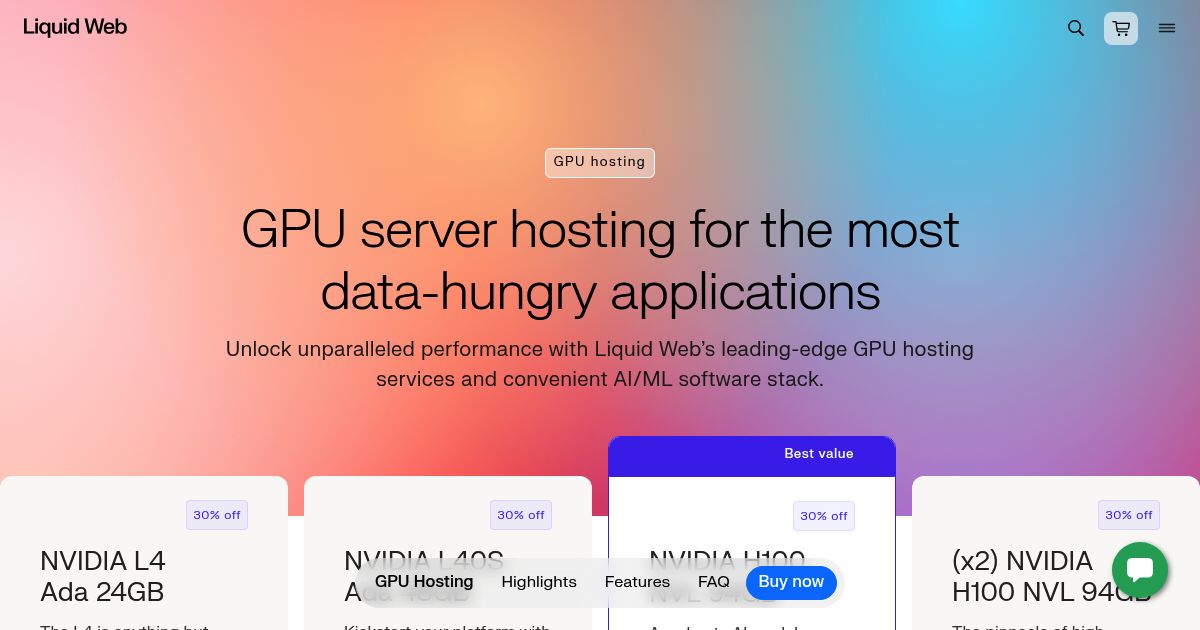
GPU hosting (see two samples above) is a gateway to running AI-powered applications that simply aren’t feasible on traditional hosting environments. From deploying private LLMs to building fast inference APIs or processing large media workloads, GPU servers unlock a new layer of capability for developers, startups, and technical teams.
Here are some of the most compelling ways people are using GPU hosting today:
Real-Time AI Chatbots and Language Models
Want to deploy a private version of ChatGPT or LLaMA on your own infrastructure? GPU hosting allows you to run large language models (LLMs) with minimal latency, using frameworks like Hugging Face Transformers, FastAPI, or LangChain.
- Use Case: Serving an internal chatbot or custom-trained model for support, education, or dev tools
- Why It Needs a GPU: CPU-based inference is slow and expensive; GPUs make it fast and scalable
Image Generation with Stable Diffusion or SDXL
Running AUTOMATIC1111, ComfyUI, or other Stable Diffusion UIs requires high GPU VRAM, disk throughput, and system RAM. GPU hosting lets creatives and developers host these tools 24/7—no local rig required.
- Use Case: On-demand product mockups, generative art apps, user-generated content
- Why It Needs a GPU: Inference can take 5 – 10+ seconds per image on CPU, vs sub-second on GPU
Audio Transcription with Whisper
OpenAI’s Whisper is excellent for transcribing audio, but it’s GPU-dependent. Hosting it yourself allows for secure, private transcription at scale—ideal for healthcare, legal, or educational use.
- Use Case: Transcribe client calls, medical notes, or podcast libraries
- Why It Needs a GPU: Whisper’s large model is extremely slow on CPU and consumes 10–20GB+ RAM
Vector Search and Retrieval-Augmented Generation (RAG)
Running your own semantic search engine? You’ll need to generate and store vector embeddings—ideally on a server with high IOPS and GPU acceleration for fast queries and model-backed responses.
- Use Case: AI-enhanced knowledge bases, internal documentation tools, AI coding assistants
- Why It Needs a GPU: Embedding generation (e.g. BERT, OpenCLIP) and RAG querying benefit from fast GPU processing
Do You Actually Need GPU Hosting? Here’s How to Know

GPU servers offer immense power — but they aren’t for everyone. Before jumping into a high-performance (and much higher-cost) setup, it’s important to understand when GPU hosting makes sense, and when it might be overkill.
You Probably Need GPU Hosting If:
- You’re building or deploying LLMs, chatbots, or custom AI APIs that require real-time inference
- You want to run image generation, transcription, or other model-heavy workloads continuously
- You need full control over your AI stack—including CUDA, Docker, system libraries, and persistent processes
- You’re working in a privacy-sensitive field and can’t send data to third-party AI APIs
- You’ve already hit memory limits, execution timeouts, or dependency walls with your current host
In these cases, traditional hosting won’t just be inefficient—it’ll be a blocker.
You Might Not Need GPU Hosting If:
- You’re using AI tools via third-party APIs (e.g. OpenAI, Jasper, or KoalaWriter)
- Your site uses AI-enhanced features like writing assistants or chat widgets, but doesn’t run models locally
- You’re experimenting casually and not ready for full model deployment
In those situations, a solid VPS or cloud host is often sufficient and far more cost-effective.
Final Thought: Hosting AI Is About Picking the Right Infrastructure
The rise of AI isn’t just about what code you write — it’s also about where that code runs.
Traditional web hosting is still excellent for serving blogs, ecommerce platforms, and content systems. But it’s not built to power LLMs, real-time inference, or GPU-bound media pipelines.
That’s where GPU hosting steps in: as a purpose-built foundation for modern, compute-intensive AI applications. Whether you’re a developer, a startup founder, or an enterprise exploring private AI deployment, GPU servers let you move from “prototype” to “production” — on your own terms.
If you’ve outgrown your current hosting setup, or you’re building something that needs raw compute power and architectural freedom, it might be time to look beyond traditional hosting — and choose a platform that’s ready for what’s next.
You May Also Be Interested In: