Finding a great web hosting deal or a free website tool can be exciting – but how do you know if the site offering it is safe? Scam websites and phishing pages often imitate real businesses, tricking users into entering their personal information or downloading malware.
To stay safe, you need website security checkers – tools that instantly scan URLs for malware, phishing risks, and blacklisting status. Below, we’ll introduce 12 free website safety checkers that help verify a site’s legitimacy before you interact with it.
1. ICANN’s WHOIS Lookup

You’ll get information about the date of creation, nameservers, registry expiration date, as well as unique domain ID. Want to find out is this website safe or not? Then, we have good news for you. WHOIS shows contact information about site owners (if it’s publicly available) so you can double-check its legitimacy.
2. VirusTotal

VirusTotal is a free fake website checker that filters portal through dozens of antiviruses and blacklisting services.
With this tool, you get instant reports about the safety of any website. It offers a community score, which shows you if any registered users vouch for this portal. VirusTotal also offers exhaustive information about the site’s owners. And if that’s not enough, this tool allows you to scan individual files for malware.
3. Google Transparency Report

Where would we be without Google? Google Transparency Report is a basic yet effective link checking service tool. It can warn you about insecure websites that threaten your data privacy.
Something in the URL seems suspicious? One of the deals on an online shopping platform is too much of a steal? This tool will let you know how unsafe it really is.
4. TalosIntelligence

TalosIntelligence is a fantastic thread detection network and domain reputation center.
This tool analyzes websites for various threats. It provides a detailed report, which contains relevant information about the site’s background. TalosIntelligence also shows reputation ranking, blacklist check results, and domain information.
5. Kaspersky VirusDesk
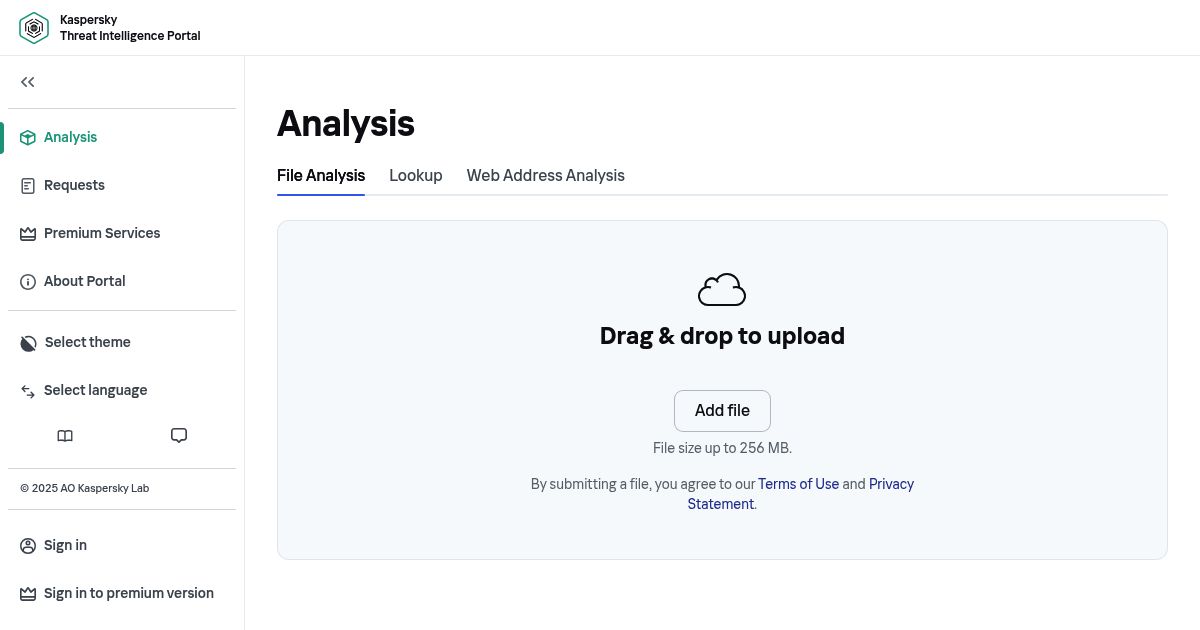
Kaspersky is a reputable provider of security solutions with over 30 years of impeccable track record. And it also has a fake website checker and website vulnerabilities scanner. Just paste an address of the domain in question and get results in a few moments. Additionally, you can drag and drop suspicious files to check for harmful software.
Kaspersky VirusDesk checks website reputation and shows you if the link is unsafe or malicious. But that’s not it. Kaspersky’s tool understands that ads can bombard you against your will. That’s why it shows URLs that have a lot of pop-ups and spam.
Also, this website checker notifies you if there’s no available data about the portal. It’s up to you to choose if the visit is worth a risk.
6. Norton Safe Web

Another fake website checker for a respected antivirus enterprise. Norton’s SafeWeb is a pretty straightforward link checker if you’ve been paying attention up to this point. Enter a URL, click “Enter,” and you’ll get information about website safety. This comes standard as part of Norton 360 as well.
NortonLifeLock system compiles a report based on the portal’s reputation, safety, and potential security problems. Apart from that, this tool has a community review section. You can read what others say about a website. It’s useful if you want to avoid ads-heavy platforms.
But wait. That’s not everything Norton has to offer to ensure your web browsing security! You might want to pay attention to the next two utilities if you’re a fan of Google Chrome.
7. Norton Safe Search (Norton’s Chrome Extension)

Want to avoid risky sites completely? You can achieve that with Norton’s Safe Web Chrome extensions. It is available for free at Chrome Web Store.
Norton’s Safe Web defends you from phishing sites and scams on every corner of the Internet. It has a downside, though. This tool makes Norton Safe Search your default search engine.
If that’s not a problem for you – then you’ll definitely like this scam website checker. Safe Web notifies you about dangerous shopping portals and offers safety ranking for every result while marking the dangerous ones.
8. URLVoid
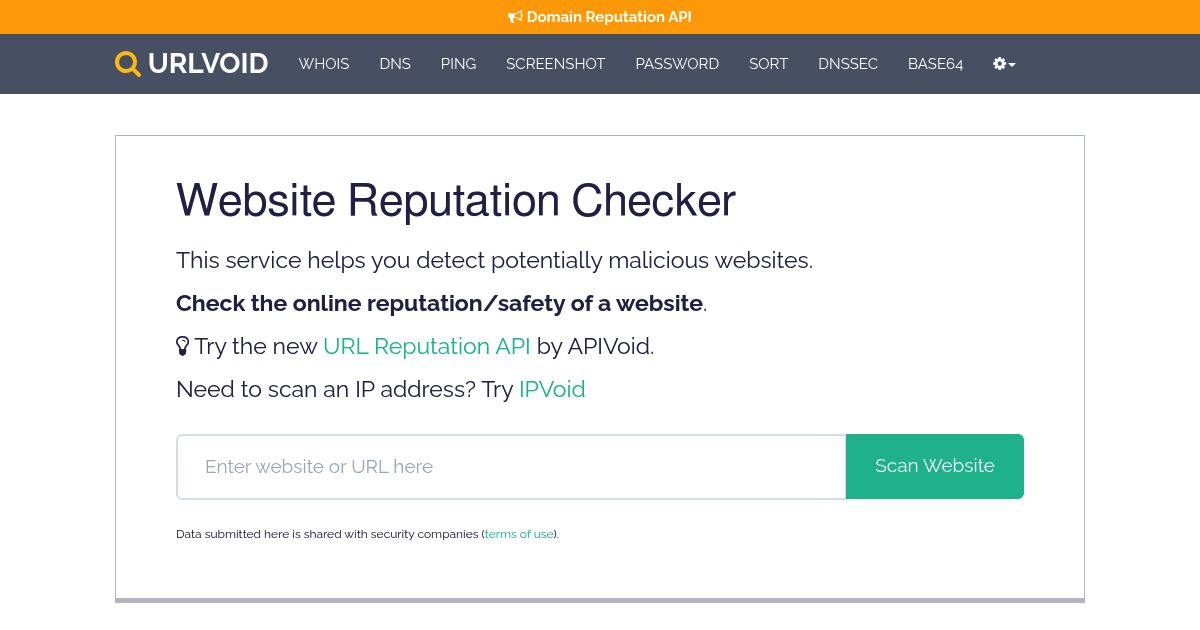
URLVoid is an incredibly popular fake website checker tool from APIVoid. It can scan any portal on malware and phishing threats using advanced software (including over 30 blacklist engines).
This tool provides site summary, domain info, and other publicly available data. URLVoid also offers detailed blacklist reports for every engine that analyzed the website.
9. Sucuri

Found a potentially scummy website? Check website safety with Sucuri. It’s a free and comprehensible security and malware scanner. They also offer premium services for website owners to secure their own sites as well.
Enter a website address and give it a few seconds. Sucuri analyzes portals for viruses, errors, spy software, and suspicious code. This tool ranks the safety of a website on a scale from “Minimal” to “Critical.”
For the record, you can contact the Sucuri team if you want to perform an exhaustive analysis.
10. PhishTank

We’ve gone through multiple fake websites detectors already. PhishTank, on the other hand, focuses solely on safeguarding you from phishing sites. It’s an excellent free tool for those who want to keep their login credentials secure.
How does it work? PhishTank checks a URL in question through myriads of blacklisting engines and databases. You’ll get immediate notification if it turns to be a phishing link.
What if it’s not in any of the databases? In that case, this tool creates a tracking number to examine that resource in the future.
11. ISITPhishing

Want to make sure you’re not entering a phishing site? With ISITPhishing, you can be sure your credit card info remains secure.
As you might expect, it’s as simple as before. Copy the URL and click “Check” to perform quick website analysis. This tool notifies you in case the link is compromised.
You might also like ISITPhishing’s widget. You don’t have to be an IT expert to implement it on your site. Simply copy a generated code into your site’s HTML. That way, other people can test URLs for phishing threats straight from your portal.
12. Desenmascarame

Online counterfeiters love to forge products from top brands. And brands adore Desenmascara.me for the sheer number of scammers it revealed over the years. This fake website checker has detected over 61000 of fraudulent portals.
Desenmascara.me is a must-have tool for those who love shopping. Want to avoid buying fake products? A few clicks are all you need to verify a portal’s authenticity and avoid potential scams.
Why Should You Check Website Safety?
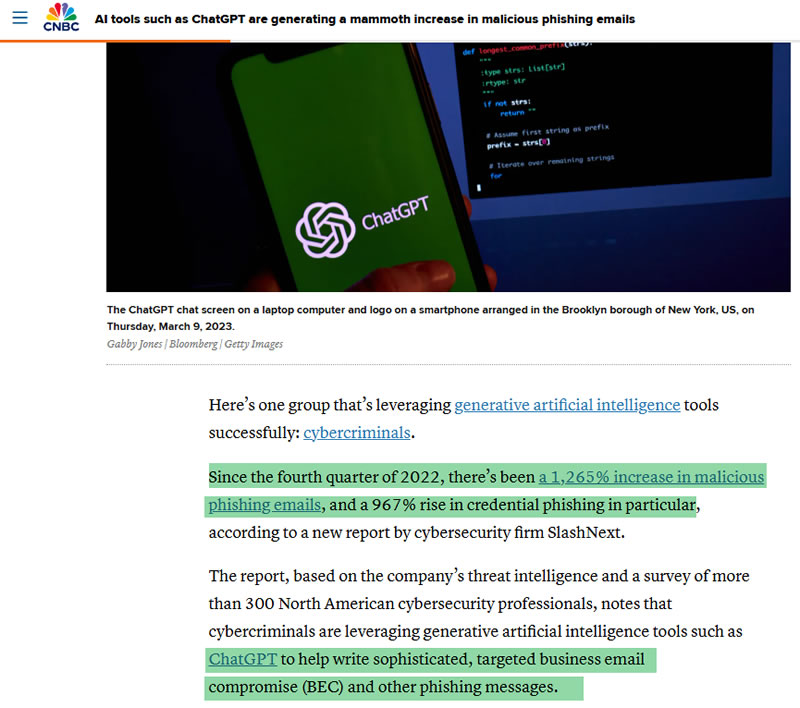
Online scams are more sophisticated than ever, and even experienced users can fall victim to fake sites. These websites can:
- Steal financial details and login credentials.
- Spread malware that compromises your device security.
- Damage business reputations if they infect website visitors.
If you host and manage a business website, server security is critical. A compromised site can harm your brand, impact SEO rankings, and even get blacklisted by search engines. That’s why verifying website safety is a must – whether you’re visiting a site or ensuring your own hosting environment is secure.
How Can You Tell If a Website Is Safe?
Before entering personal information or clicking on links, follow these steps to check a website’s security:
1. How Do You Set Up Your Browser for Safety?
Most web browsers come with built-in security features. For instances, Google Chrome, Brave, and AVG Secure Browser offer extra security features, including fake website detection and ad blockers. You can enhance your protection by adjusting settings, such as:
- Blocking pop-ups and automatic downloads
- Disabling Flash content
- Preventing microphone and webcam access
2. Do Firewalls and Browser Extensions Help?
Yes. Windows, Mac, and Linux operating systems come with built-in firewalls – keep them enabled for better security. Additionally, install browser extensions that flag suspicious sites in real time.
Some of the best security extensions include:
- HTTPS Everywhere – forces sites to use encryption.
- Web of Trust (WOT) – checks website reputation.
- NoScript – blocks malicious scripts.
3. What Are the Signs of a Fake Website?
If a website looks suspicious, trust your instincts. Here are some red flags to watch for:
| Security Feature | What to Check |
|---|---|
| HTTPS vs. HTTP | Always look for HTTPS (with a padlock icon). A missing padlock means the site lacks proper encryption. |
| URL Structure | Scammers often use misspelled domains (e.g., g0ogle.com instead of google.com). Shopping sites with .net or .org extensions are uncommon. |
| Design & Content | Poor grammar, low-quality images, and stock photos suggest a fake site. |
| Redirects & Pop-ups | Excessive ads, forced redirects, and pop-ups are warning signs. |
| Brand Imitation | Scammers sell fake products with official logos. Always verify legitimacy. |
| Fake Discounts | Compare discount timers across different devices—scam sites manipulate countdowns. |
| Missing Contact Info | Legitimate sites have verifiable phone numbers and addresses. |
| No Privacy Policy | A missing privacy policy is a red flag—leave the site immediately. |
Found Fraudulent or Scam Website? Report It!
Avoiding scam websites is just one part of staying safe online. If you identify a fraudulent website, why not take a moment to help protect others?
Let’s say you’ve spotted a deceptive site using the techniques or safety checkers we mentioned earlier. Instead of ignoring it, you can take action to warn others and prevent more victims.
How to Report Scam or Phishing Websites?
If you come across a phishing scam, counterfeit store, or fraudulent portal, report it to the appropriate authorities:
- Anti-Phishing Working Group (APWG) – Submit phishing site details to help cybersecurity organizations track and combat scams.
- Phishing Email Reports – Forward suspicious emails to [email protected].
- Internet Crime Complaint Center (IC3) / Federal Trade Commission (FTC) – Report scam websites and fraudulent activities.
- Brand Holders – If you find counterfeit products or fake e-commerce stores, notify the official brand or company.
- National Fraud Reporting Centers – Depending on your country, you can report fraudulent websites to the relevant national authority.
By reporting malicious websites, you help cybersecurity teams, search engines, and law enforcement remove scams from the internet – protecting countless other users.
Final Thoughts
Website security isn’t just about avoiding scams – it’s about protecting your data, identity, and online transactions. With over 1.5 million scam websites emerging every month, staying vigilant isn’t optional.
Before engaging with any unfamiliar site, always ask yourself: Is this website safe?
Now, you have the tools and knowledge to verify website authenticity. Whether you rely on manual security checks or automated safety scanners, taking a few extra seconds to assess a site can help prevent phishing, fraud, and data breaches.
A Secure Website Starts with Secure Hosting
But here’s something many people overlook: Your own hosting provider can either protect or expose your website to risks.
Cheap hosting is great for affordability, but not all budget-friendly hosting providers offer adequate security. If you’re cutting costs, make sure your hosting plan includes:
- Free SSL encryption – Encrypts user data and protects against MITM attacks.
- Built-in malware protection – Scans and removes threats before they harm your site.
- Daily backups – Ensures you can recover your site if anything goes wrong.
- DDoS protection – Shields your website from malicious traffic spikes.
Not all cheap hosting providers prioritize security, so choosing the right one is critical.
Want secure hosting without overspending? Check out our Best Cheap Web Hosting (Under $3/Month) guide to find an affordable yet secure provider that fits your budget.