

What is SaaS?
Software as a Service (SaaS) is a cloud-based software delivery model where users access applications via a web browser instead of installing them on local devices. SaaS operates on a subscription basis, allowing individuals and businesses to use software without managing on-premises infrastructure.
This model reduces maintenance costs, simplifies updates, and enhances accessibility. SaaS is widely used across various industries for business operations, including customer relationship management (CRM), enterprise resource planning (ERP), collaboration tools, and data analytics. Well-known SaaS platforms include Google Workspace, Salesforce, and Dropbox.
Why This List of SaaS Examples?
SaaS has revolutionized the software industry, making powerful tools more scalable, cost-effective, and accessible. With thousands of SaaS solutions available, choosing the right one can be overwhelming.
Our curated list highlights some of the most popular SaaS providers. Whether you’re looking for the best tools for project management, communication, or security, this list provides valuable insights into how leading SaaS platforms solve real-world problems.
Additionally, if you’re considering hosting your own SaaS product, this list can serve as a source of inspiration – helping you understand successful SaaS models, common business strategies, and emerging trends in cloud-based software.
1. SPanel
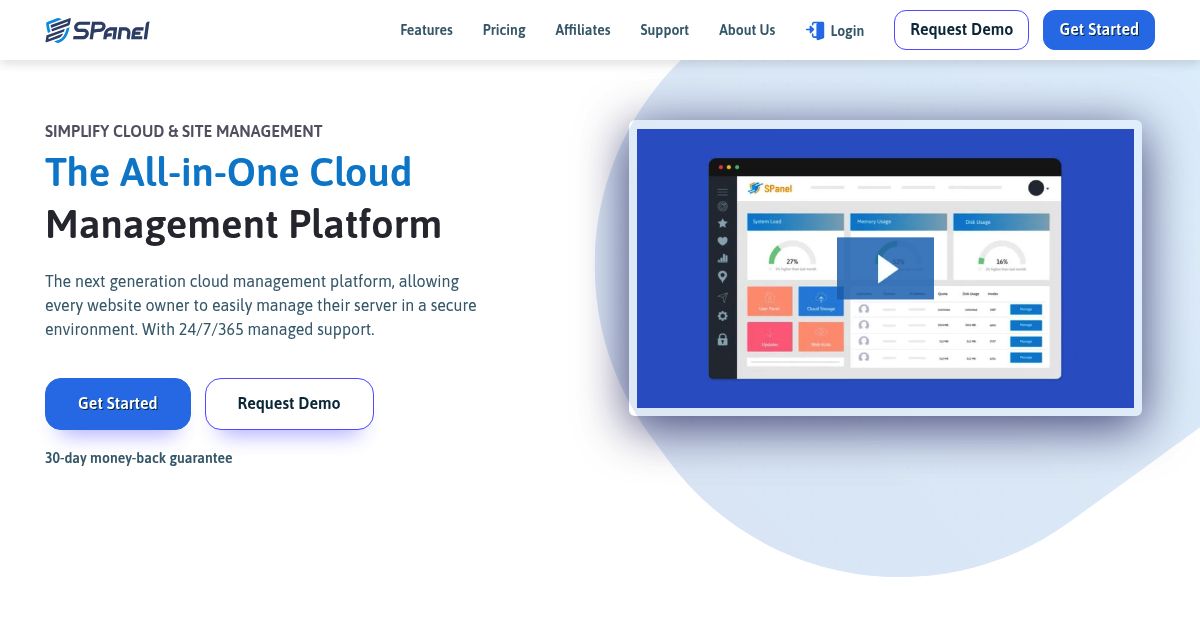
SPanel is an all-in-one cloud hosting control panel developed by ScalaHosting to simplify VPS management for developers, web agencies, and hosting resellers. Designed as a lightweight alternative to cPanel, SPanel empowers users to manage servers, websites, emails, backups, and security—all from a user-friendly web interface.
The platform is included as part of ScalaHosting’s hosting service and provides a comprehensive suite of features: domain and DNS management, file manager, email setup, SSL automation, server monitoring, one-click app installs, and built-in SShield cybersecurity protection. No separate license or installation is needed—everything is pre-configured and maintained in the cloud.
SPanel brings SaaS-level convenience to server management by eliminating manual setup and offering an integrated solution that streamlines both technical and business operations for hosting professionals.
2. Hostinger Website Builder

Hostinger Website Builder is a beginner-friendly SaaS platform that enables users to create and manage professional websites without any coding knowledge. It combines simplicity with powerful tools to help users launch everything from personal blogs to eCommerce stores.
The platform offers a wide range of modern, mobile-responsive templates, drag-and-drop editing, AI-powered content and layout generation, SEO tools, and integrated marketing features—all accessible through a web browser. Since it’s bundled with Hostinger’s hosting plans, users get everything they need to build, publish, and grow a website from a single dashboard.
Whether you’re building a portfolio, launching an online store, or creating a landing page for your brand, Hostinger Website Builder offers a complete, cloud-based solution that requires no technical setup or ongoing maintenance.
3. HubSpot

HubSpot is similar to Zendesk except it has a broader front of capabilities. Where Zendesk used the SaaS model to primarily deliver support, HubSpot expands a little more towards being a more complete solution.
This means it integrates many features. Areas they cover includes marketing, CRM and sales, customer support, and lately, even a content management system. Each of these areas can be bought into as standalone applications. Alternatively, you can opt for a combined package deal as well.
All of this comes at a price though, and with a starting tag of $20, you just may start to feel a small pinch.
4. Bonsai
Bonsai is a simple all-in-one business management and financial solution that allows freelancers, agencies and small businesses to manage their work more efficiently and expand their business.
The tool helps users to automate the whole client relationship process from new client onboarding, signing a contract to booking a meeting or sending a thank you message once the invoice is paid.
By subscribing to any of Bonsai plans, users get access to all their features: Contracts, Proposals, Invoicing, Accounting & Taxes, Time and Task tracking, Forms, Client CRM, and more. On top of that, Bonsai offers a variety of free templates: contracts, invoices, agreements and other kinds of templates vetted by thousands of freelancers and top contract lawyers. Users can easily customize any template based on their needs and sign them with a legally-binding e-signature.
5. Salesforce

Salesforce was among one of the first companies to deploy their applications to the Cloud. While today it is one in a sea of many, the brand has stuck and it remains a dominating link between businesses and clients.
Their strength lies in Customer Relationship Management (CRM) and the move to SaaS was significant. In the past, CRM was expensive and usually available at enterprise scale due to cost and complexity of implementation.
6. iSpring Learn

iSpring Learn is a cloud-based LMS software for conducting employee training in organizations. Its great flexibility differentiates iSpring Learn from other software: the two-tier subscription model fits companies of any size, industry, and training budget. And the fact that iSpring Learn is cloud-based makes it even easier for it to fit your business needs at each stage of growth.
With iSpring Learn Business, you’ll ensure the quick and robust implementation of online training that covers all the bases for your current training needs. But with iSpring Learn Enterprise, you can get a platform capable of encompassing all training workflows companywide and taking talent development to the next level.
Whichever option is selected, you get a package deal because iSpring Learn bundles iSpring Suite – a nifty tool for course creation that is also SaaS and completely intuitive.
7. Slack

The name Slack quickly came to mind since it’s the communication application which the WHSR team uses. Amazingly, this nifty tool is available for free. You can use it for as long as you like at no cost – although there are some limitations.
It’s strength lies in the workspaces it allows users to create. In essence you can partition out spaces and allocate users to each of those spaces as necessary. Think of it as having pre-built meeting rooms where everyone is always present – as long as they’re online.
Perfect for small teams and even better for the modern office that encourages remote work or work from home. You can even perform voice and video calls with it.
8. Dropbox
Dropbox is one of the most popular Cloud storage services around. Part of the reason for its popularity is that it caters to both individual users as well as organizations. The key difference lies in the collaborative tools that business plans come with.
Aside from file storage in the Cloud, Dropbox also allows you to send files, sync with local folders, watermark documents for you, and more. Business users can appoint administrators who are able to define file permissions, just like over a local network.
9. Zendesk

Zendesk is a name that has become synonymous with customer support around the world. It is an example of a SaaS deployment that offers a rather generic service, but with fantastic customization options to support a variety of businesses.
It doesn’t matter if you’re running a web hosting company, eCommerce store, or even a commercial blog – Zendesk can provide support for anything. It includes vital customer assistance pipelines like phone, email, live chat, social media, online tickets, and more.
Best of all, you can scale up the service quickly and easily as needed. There’s no business too large or small for them.
10. Google Workspace

Google is a name you either love or hate but there’s no denying it builds some really great stuff. One of things they’ve done well is to implement a SaaS-based suite of business tools. Google Workspace – one common way to host your emails – includes various applications and utilities that makes business life easier.
It includes Gmail, Calendar, Hangouts, Google Drive, Sheets, Docs, Forms, Slides, Sites, Vault, and several other apps. The business version has quite a few more advantages as opposed to the free version of those apps most of us are familiar with.
These apps are 100% Cloud-based and only require a browser with Internet connection to use. There is no desktop version.
11. Apty
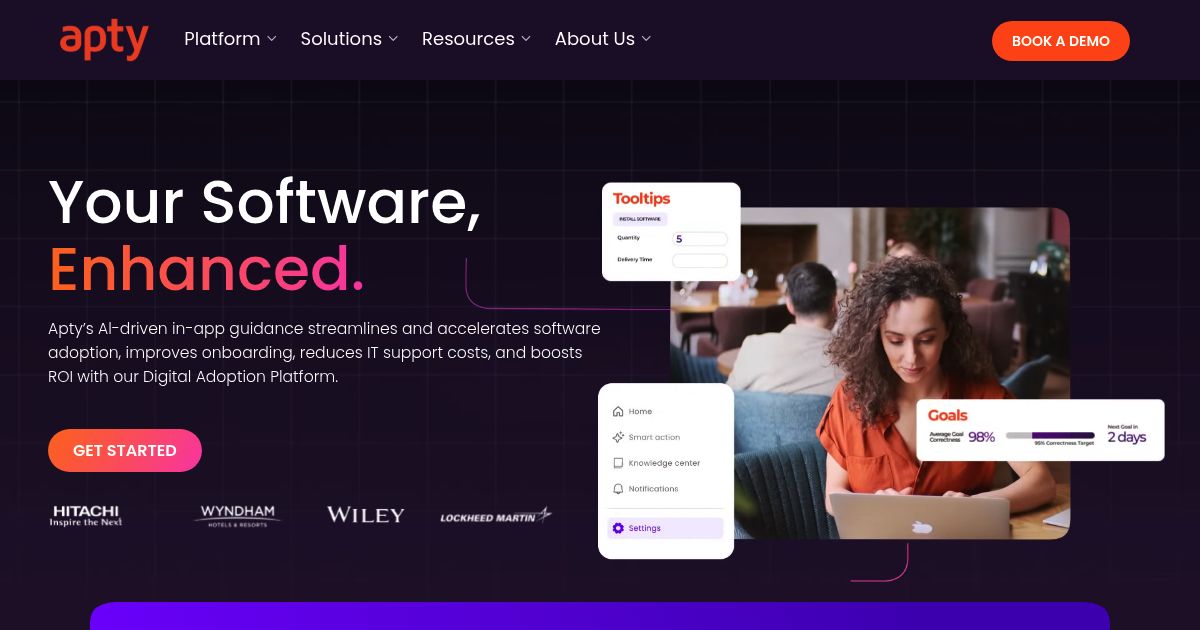
Apty is a Digital Adoption Platform (DAP) that helps enterprises optimize their business processes. Successful digital adoption involves both guiding people through new critical software applications and proactively pushing them to complete new processes.
Apty, in particular, combines the power of on-screen guidance with the time-saving automation of proactive process compliance. Managers can make use of Apty to get the most out of their employee’s use of web-based applications in their day-to-day job.
Employees from leading companies like Hitachi, Mary Kay, Delta Airlines, and Boeing use Apty to learn web-based apps and excel in their jobs. Remember, the problem is not the software, it’s how you use it.
12. DocuSign
With much of the world digitizing it should come as no surprise that even your signature can be digitized. However, in order for this to work there needs to be an element of security. DocuSign offers that with its e-signature platform.
It allows users to store and use their signatures for ease of use at any locations, anytime. While this may seem a bit crazy to deploy as a solution, it can be ideal for businesses that require a lot of signatures. In that context, much time can be saved. Abuse of the SaaS model? Absolutely not. Innovation, in fact.
13. Lumen5
Those not born in the Internet age will remember well the nightmarish prices that video creation software makers used to charge. SaaS has allowed these prices to drop significantly as well and Lumen5 is a good example of this. The advantages here are twofold in fact.
Not only are you saving on the cost of the application but you can now create video on a very basic machine. All you need is a subscription to Lumen5 and a fast Internet connection. Everything else is done on their machines.
It also incorporates a bunch of nifty features such as automated video creation and workflow. To offer features like this it incorporates another relatively newer concept – AI.
14. Canva

Canva is similar to Visme and although not as expensive on paid plans, does have a few shortcomings. Still, this SaaS application is one that can help small business owners or social media managers immensely.
From creating business cards to laying out social posts, Canva has a template for almost everything. Although there are some freebies, it does charge for the nicer graphics and images in its library – irrespective of whether you’re a free or Pro user.
Just like using site builders such as Weebly and Wix, getting started is easy, simply choose a template, customize it or just tweak it a little, then you can decide what to do with it. You can also produce content to a wide variety of resolutions, good enough for professional printing.
15. Squibler

For the budding writer, Squibbler is an SaaS application that helps you build the story you want to tell. Deployable as an app on various devices, Squibbler helps you write faster thanks to the provision of pre-existing outlines.
You can also organize your ‘thoughts’ well thanks to the ability that the app gives you to simply drag and drop bits of your storyboard around. Squibler includes a correction feature that not just works with spelling, but can even help eliminate passive voice.
16. Flexclip

FlexClip is an online video creation and editing tool designed for businesses, marketers, and content creators who want a fast, easy way to produce professional-looking videos. Unlike traditional video editing software, FlexClip operates fully in the cloud, eliminating the need for heavy installations or high-end hardware.
The platform offers drag-and-drop editing, pre-designed templates, and a vast media library that includes stock footage, music, and animations. Whether you’re creating a promotional video, a tutorial, or social media content, FlexClip simplifies the process while keeping it beginner-friendly.
While it may not offer the deep customization of desktop editing software like Adobe Premiere Pro, its convenience and ease of use make it a great choice for small businesses and solo creators looking for an efficient way to produce high-quality videos.
17. Screenshot One

ScreenshotOne is a powerful screenshot automation tool that allows developers and businesses to capture high-quality screenshots at scale. Designed as an API-based solution, it enables users to generate website snapshots programmatically without relying on manual captures.
One of the key strengths of ScreenshotOne is its customization options. Users can adjust rendering settings, delay captures, and even take full-page or viewport-specific screenshots. This makes it a valuable tool for SEO monitoring, competitive analysis, and automated website testing.
The SaaS model makes ScreenshotOne especially convenient—there’s no need for local installations or complex configurations. Just integrate the API, and you’re set. Many businesses and developers use ScreenshotOne to automate workflows, ensuring up-to-date visuals for reporting, marketing, or quality assurance purposes.
18. MailChimp
Bloggers, eCommerce site owners – in fact, most kinds of website owners will likely have heard of MailChimp. Email marketing has grown to be among one of the top weapons in the modern website’s arsenal and MailChimp is simply a champ at this.
Today it has a community of over 14 million users taking advantage of many features. This includes multi-channel marketing capability, CRM, surveys, customized email branding, templates, and much more.
MailChimp Pro, on the other hand, requires a flat fee of $199.00 (USD) and this allows users to access a suite of advanced features you can add to any MailChimp account.
19. Box
Although some mistake box as a collaboration tool, it’s actually a very comprehensive workflow management application. Again, a product of this magnitude delivered over the SaaS model enables it to sport rock bottom prices that start as low as $5/mo.
Among the features included with Box are document sharing and collaboration, content management, real-time discussions on documents, and more. With workflow automation, you can use Box to streamline various departments like marketing, admin, human resource, and more.
IaaS vs PaaS vs SaaS: What’s the Difference?
Cloud computing has three main models: IaaS, PaaS, and SaaS. Each offers different levels of control and management. As discussed in this article, SaaS delivers fully managed software applications online. You access tools like email, file storage, and CRM systems without installing or maintaining software.
About PaaS
PaaS takes cloud computing a step further by offering a fully managed platform for application development and deployment. Instead of handling the infrastructure, developers can focus on writing code while the provider manages the backend, including security, updates, and scaling. PaaS solutions are particularly useful for developers who need a streamlined environment to build and launch applications without worrying about infrastructure maintenance. Examples of PaaS include Kinsta and Cloudways.
About IaaS
IaaS provides the fundamental building blocks of cloud computing, including virtual servers, networking, and storage. Businesses using IaaS have full control over their infrastructure, allowing them to configure and manage their own operating systems and applications. This model is ideal for companies that need flexible cloud hosting solutions, such as running websites, virtual machines, or enterprise applications. Examples of IaaS providers include Digital Ocean and Kamatera.
What is Software as a Service (SaaS), and how does it work?
Software as a Service (SaaS) is a cloud computing model where software applications are hosted and maintained by a provider and accessed by users over the internet. Instead of installing and managing software on local devices, users can log in via a web browser or app. SaaS providers handle updates, security, and infrastructure – this allows businesses to focus on using the software rather than managing it.
How does SaaS handle data security and privacy?
SaaS providers implement security measures such as encryption, access controls, and regular backups to protect user data. However, since data is stored on third-party servers, businesses must evaluate a provider’s security certifications, compliance with regulations (e.g., GDPR, HIPAA), and data ownership policies. Some SaaS platforms offer additional security features like single sign-on (SSO) and multi-factor authentication (MFA) to enhance protection. To mitigate risks, businesses should review service-level agreements (SLAs) and consider data portability options in case they need to switch providers.
Is SaaS suitable for all types of businesses and applications?
SaaS is a great fit for most businesses, particularly small and medium-sized enterprises (SMEs) that may not have extensive IT infrastructure. However, large enterprises with strict security or compliance requirements might lean toward on-premise or hybrid solutions. Industries like finance and healthcare — including those that involve health inventory management — often need greater control over data storage and security, making private cloud or self-hosted applications more suitable.
For field service businesses and contractors, efficiently managing schedules, dispatching teams, tracking customer requests, and handling invoices is essential. Cloud-based field service management platforms have become increasingly popular in this space, thanks to their robust capabilities and ease of implementation. The Service Fusion FSM solution, for instance, illustrates how SaaS can simplify everyday operations for service providers, offering features like GPS fleet tracking, electronic quoting, and real-time notifications, all within a single, user-friendly dashboard.
What are some common SaaS use cases?
SaaS is widely used for productivity tools, customer relationship management (CRM), collaboration platforms, project management, and eCommerce solutions. Businesses use SaaS applications like Slack for online communication, HubSpot for marketing automation, and Canva for graphic editing.
Wrapping Up
SaaS has reshaped how we access and use software. Whether for business operations, collaboration, or security, the SaaS examples listed above demonstrate the power of cloud-based applications in driving efficiency and innovation.
However – if you think thoroughly above it – behind every successful SaaS platform is a reliable web hosting infrastructure. Performance and security are critical for SaaS applications -making the choice of hosting provider a key factor in ensuring a seamless user experience. Whether you’re running a SaaS business or simply choosing a hosting provider for your website, factors like server reliability, scalability, and security should always be top priorities.
At HostScore, we help you navigate these choices by providing data-driven hosting reviews and comparisons. If you’re looking for the right web hosting solution – whether for launching a SaaS platform or hosting a personal project – check out our hosting reviews to make an informed decision.


